Website Terms Conditions: A UK SME Guide
Search for advice on website terms conditions and the most popular answer is to generate a page, drop it in the footer and get back to selling. It's quick, it's cheap, and it rests on an assumption that doesn't survive a dispute: that publishing a clause makes it part of the contract.
It doesn't. A footer link is a signpost, not a signature. What binds a UK customer is fair notice before they commit, wording they can understand, and a record of what they accepted and when. Get those three things right and a refund, renewal or delivery clause has something to stand on. Get them wrong and you own a page that reads like protection but isn't.
The three things that decide whether a clause holds are the wording itself, the moment the customer meets it, and whether a real person, including someone using a screen reader, could understand the burden before paying. Everything else is layout.
Table of Contents
- What Website Terms and Conditions Are and Why They Bind
- Essential Clauses UK SMEs Should Include
- When Customers Are Actually Bound
- Information Buyers Must See Before They Pay
- Keep Terms Privacy and Cookies on Separate Layers
- Plain Model Wording and Go-Live Checks
- Publish the Pages in WordPress
- Frequently Asked Questions and When to Consult a Solicitor
What Website Terms and Conditions Are and Why They Bind
Website terms conditions are the written rules of the bargain. They set out what you supply, what it costs, how payment is taken, when it arrives, how a customer cancels, and what happens when something goes wrong. Your homepage is the shop window and checkout is the till, so the terms are the rules a customer must be able to read before they pay, not a notice pinned up in the stockroom.
Any site that sells goods, takes bookings, runs memberships or subscriptions, or promotes an offer with conditions attached needs them. So does a site that only publishes content, if it wants rules on comments, accounts or copying.
The test that decides whether a clause holds
The Consumer Rights Act 2015 and the CMA's unfair contract terms guidance set the standard. Under Part 2, a consumer term is unfair when, contrary to good faith, it creates a significant imbalance in the parties' rights and obligations to the consumer's detriment. An unfair term is not binding on the consumer, which means a business cannot safely rely on a clause just because a customer clicked "I agree".
The same framework demands transparency. Written terms and consumer notices must be expressed in plain, intelligible language and presented clearly enough for customers to understand what they're accepting. The Act came into force in 2015 and replaced the Unfair Terms in Consumer Contracts Regulations for most consumer-contract situations.
What that changes in practice: terms become a risk-control document, not a disclaimer you paste once and forget.
Enforcement has teeth. The Competition and Markets Authority and Trading Standards can act against unfair terms or notices, and a business may find the problematic provision unenforceable in the meantime. That's why refunds, cancellations, automatic renewals, liability, delivery, suspension and unilateral changes carry more weight than the length of the page.
Essential Clauses UK SMEs Should Include
Before writing a line, know which clauses do the work. A consumer-facing UK site usually needs the twelve rows below, and each one has a failure mode that makes it hard to rely on. Read the third column as the thing to check in your own draft.
| Clause | What it must cover | Where it goes wrong |
|---|---|---|
| Trader identity | Legal name, postal address, email and phone that match your invoices | A trading name with no address or contact route |
| What you supply | A clear description of the goods, services or digital content | Vague scope that doesn't match the product page or checkout |
| Price and tax | The price including VAT and any compulsory extras | Fees that appear only after the customer commits |
| Payment | When money is taken, and that the button creates a duty to pay | A vague Submit button or a hidden charging point |
| Delivery | Cost, method and timescale, with a deadline you can beat | No date at all, or a promise the business can't keep |
| Cancellation and refunds | The statutory cooling-off period plus any goodwill policy, without cutting legal rights | A no refunds policy, or a shorter period than the law allows |
| Subscriptions | Minimum term, billing period and a clear way to stop renewal | Auto-renewal buried in small print |
| Liability | Proportionate limits that leave death, injury and statutory rights intact | A blanket no liability clause |
| Intellectual property | Who owns site content, logos and anything a customer uploads | Claiming rights you neither own nor grant |
| Changes | How updates are notified, with existing orders keeping the version then in force | Silent changes applied to current customers |
| Account suspension | Proportionate reasons and how the customer is told | An instant, unexplained lockout for a minor issue |
| Governing law | England and Wales, or Scotland or Northern Ireland if that's where you actually trade | A foreign law clause with no connection to the business |
How to judge a risky row
Take any row and read it back as the customer. Two questions settle it: could a person understand the burden before paying, and does the clause create a significant imbalance in the parties' rights? A row that fails either test needs rewriting, not defending in an email after a complaint.
The subscription row catches more owners than any other. If the minimum term is twelve months and the renewal is automatic, the term, the billing period and the exit route belong in the same visible block, not spread across three paragraphs and a help article.
Three phrases that give the game away
- No refunds. Refunds sit inside statutory rights, so a blanket ban invites exactly the challenge the Act was built for.
- We may change these terms at any time. Updates need a route to notice, and an order already placed should stay on the version the customer accepted.
- We accept no liability. A cap that wipes out responsibility for death, personal injury or non-excludable consumer rights is the clause most likely to fall first.
Draft only the rows that match how the site trades. A brochure site with an enquiry form doesn't need a delivery timetable, and a shop that never bills monthly doesn't need subscription wording it can't explain.
If you sell online, the e-commerce website requirements guide shows where delivery, returns and refund information sits around the checkout, which is where most of these rows either earn trust or lose it.
When Customers Are Actually Bound
The question usually arrives after a dispute, not before one. The customer says the delivery was late or the renewal wasn't explained, and the owner sends a link to the footer. That's the moment publishing and binding part company.
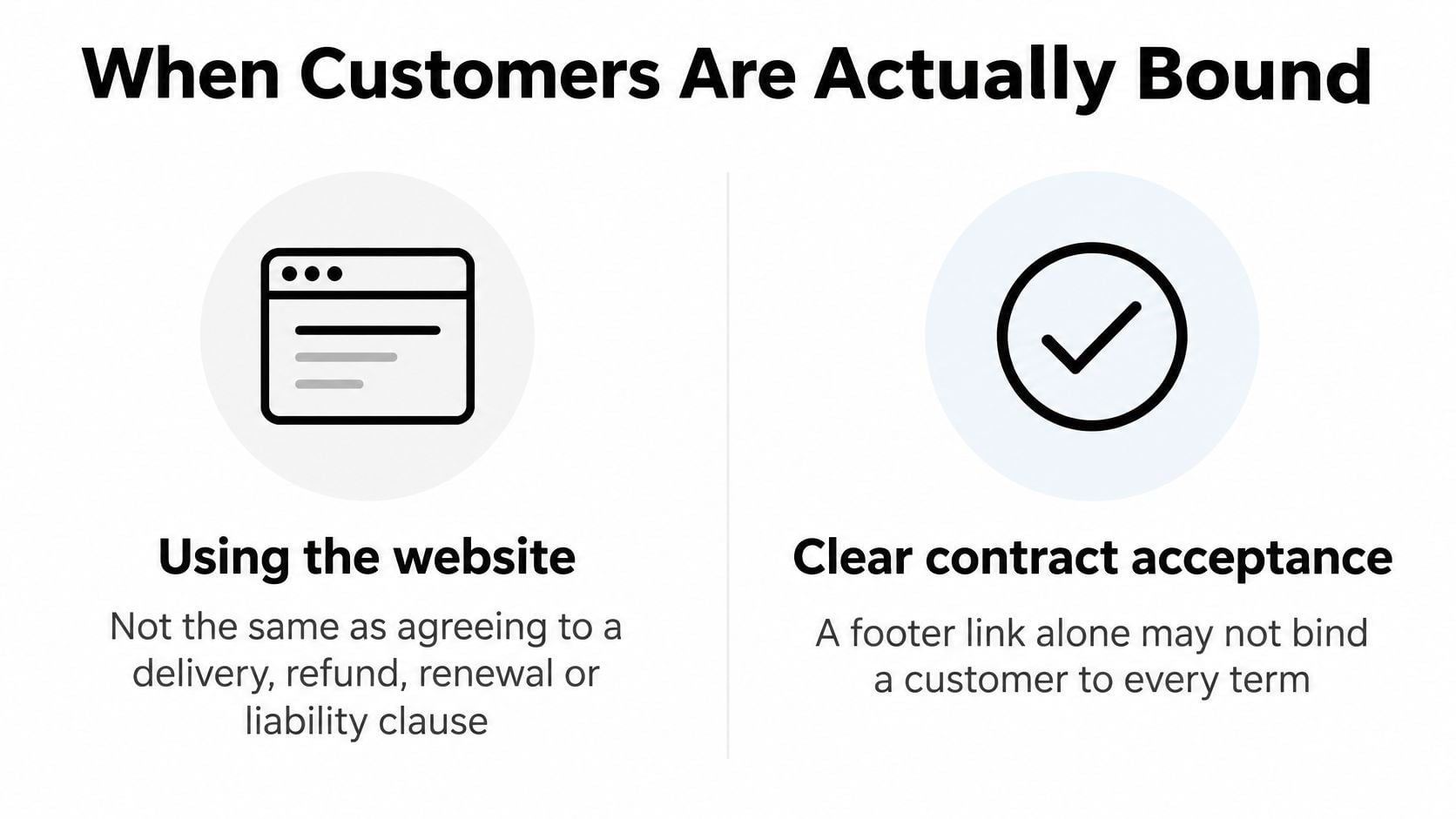
Using a website isn't the same as agreeing to a delivery, refund, renewal or liability clause. The GOV.UK terms of use draw that line themselves, separating the rules for using the site from agreement to particular conditions. A browsewrap sentence claiming that continued use means acceptance is weak evidence when the disputed clause is the very one the customer needed to see.
What fair notice looks like at checkout
For shops, bookings and memberships, the practical answer is an unchecked acceptance box shown before the order is placed, with the terms linked beside it. Leave the box empty by default. A pre-ticked box proves nothing about attention, and it's the first thing a customer says they never saw.
| Method | How reliable it is | Safer practice |
|---|---|---|
| Footer link only | Weak if delivery, refunds, renewal or liability are disputed | Prominent link before checkout or form submission |
| Unchecked acceptance box | Stronger for orders, bookings and memberships | Leave the box unticked and record the click |
| Pay-button wording | Ties the order to an obligation to pay | Label the button so payment is obvious and allow error correction |
| Terms on a quote or invoice | Suited to bespoke and business customers | Attach the dated version that governs that job |
| Browse-only rules | Covers site use, not a sale | Don't treat them as refund or delivery terms |
For bespoke work and business customers, attach the dated terms to the quotation or invoice and keep the version that governed that job. Separating house rules from sale terms matters too, because a page about comment policy can't double as your refund policy.
On changes, keep dated copies, record which version applied to each order, and send a copy in a format the customer can save. A footer link helps people find the page. Prominent notice before payment, plus a recorded tick, is what carries the argument six months later.
Information Buyers Must See Before They Pay
A terms page cannot make missing checkout information clear after the customer has paid. Before an order is placed, buyers need the key details in a form they can understand and keep.
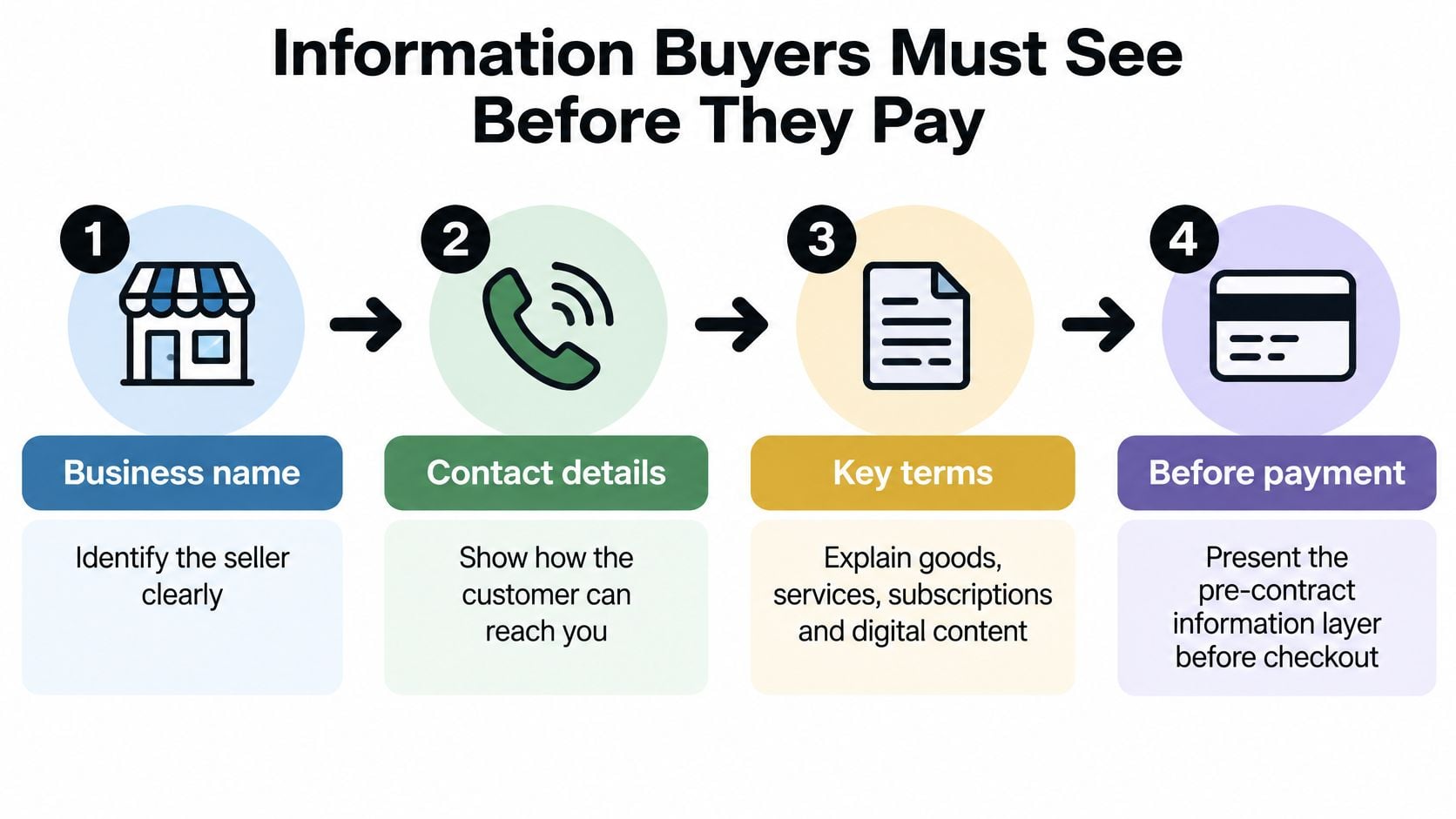
Before payment, make clear your business name, contact details and address; what is being sold; the total price, including taxes; how payment is taken; delivery arrangements, costs and timescales; any minimum contract duration and billing period; how to end the contract; and the standard cancellation form where it applies. The GOV.UK guidance on online and distance selling says this information must be provided in a durable format, such as an email or downloadable document the customer can save and reproduce.
The four checkout actions, in order
- Make the payment obligation clear. The button wording must show that placing the order means the customer has to pay.
- Allow mistakes to be corrected. Customers need a chance to fix input errors before confirming.
- Confirm the contract promptly. Send the confirmation straight after the order.
- Keep a record. Store the confirmation alongside the date and terms version used at checkout.
Without that record, it is harder to show which terms applied if a dispute arises.
For distance sales, consumers generally have a 14-day cancellation period. Goods normally have to arrive within 30 days, unless a different deadline was agreed.
Digital content has an additional step. Before access begins, the customer must expressly agree to immediate downloading or streaming and acknowledge that doing so removes the 14-day cancellation right. Without that agreement and acknowledgement, the customer may retain the right to cancel.
Monthly invoicing needs the same clear link between the service and the accepted terms. For example, how to automate tutoring invoices can help keep recurring invoice amounts and periods consistent with the terms the client accepted.
The aim is a record that connects the offer, the customer's order, the applicable terms and the confirmation. If payment runs through a hosted gateway, the payment button still needs clear wording. DesignStack's payment gateway integration service can support checkout setups that include payment services.
Keep Terms Privacy and Cookies on Separate Layers
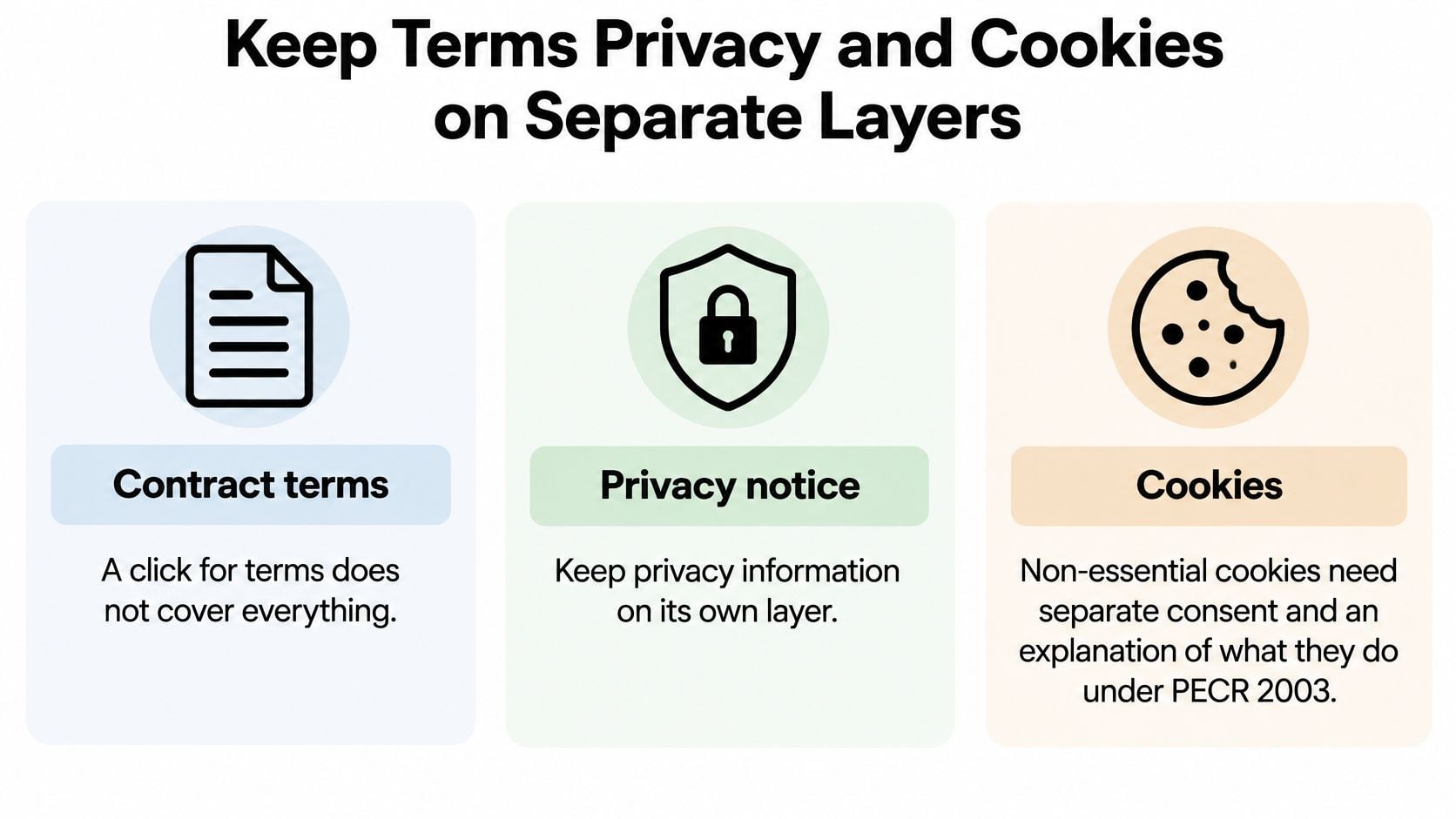
A terms page in the footer does not automatically bind a customer, and one checkbox cannot do three legal jobs. Accepting contract terms is different from consenting to non-essential cookies, while a privacy notice explains how personal data is handled.
Under the Privacy and Electronic Communications Regulations 2003, organisations must explain how cookies work and obtain consent before using cookies that are not strictly necessary. The ICO's cookies guidance explains that consent must be active and clear. Implied consent is not enough for analytics, advertising or personalisation cookies.
Three assets, not one checkbox
The GOV.UK service manual on cookies and similar technologies recommends minimising cookies, removing those no longer needed, publishing a cookie policy and preventing optional scripts from running until visitors have made a choice.
Keep the layers distinct. Consumer terms set out ordering and service obligations. A privacy notice describes personal-data processing. A cookie notice explains cookie use and works alongside a consent interface that lets visitors choose and later change their preferences.
For each cookie, record its purpose, lifespan, domain and security settings. Use Secure and HttpOnly where appropriate. Keep the privacy notice easy to find, such as through a persistent footer link, so visitors can read it without searching through the terms.
Start with wording reviewed by a qualified solicitor or an established legal template provider. For example, privacy policy templates can help you build a separate privacy layer; check that your cookie notice and consent controls remain distinct from your contract terms.
Plain Model Wording and Go-Live Checks
Wording you can adapt beats wording you paste. Four sentences do most of the work on a typical UK SME site, and each one exists to stop a specific argument.
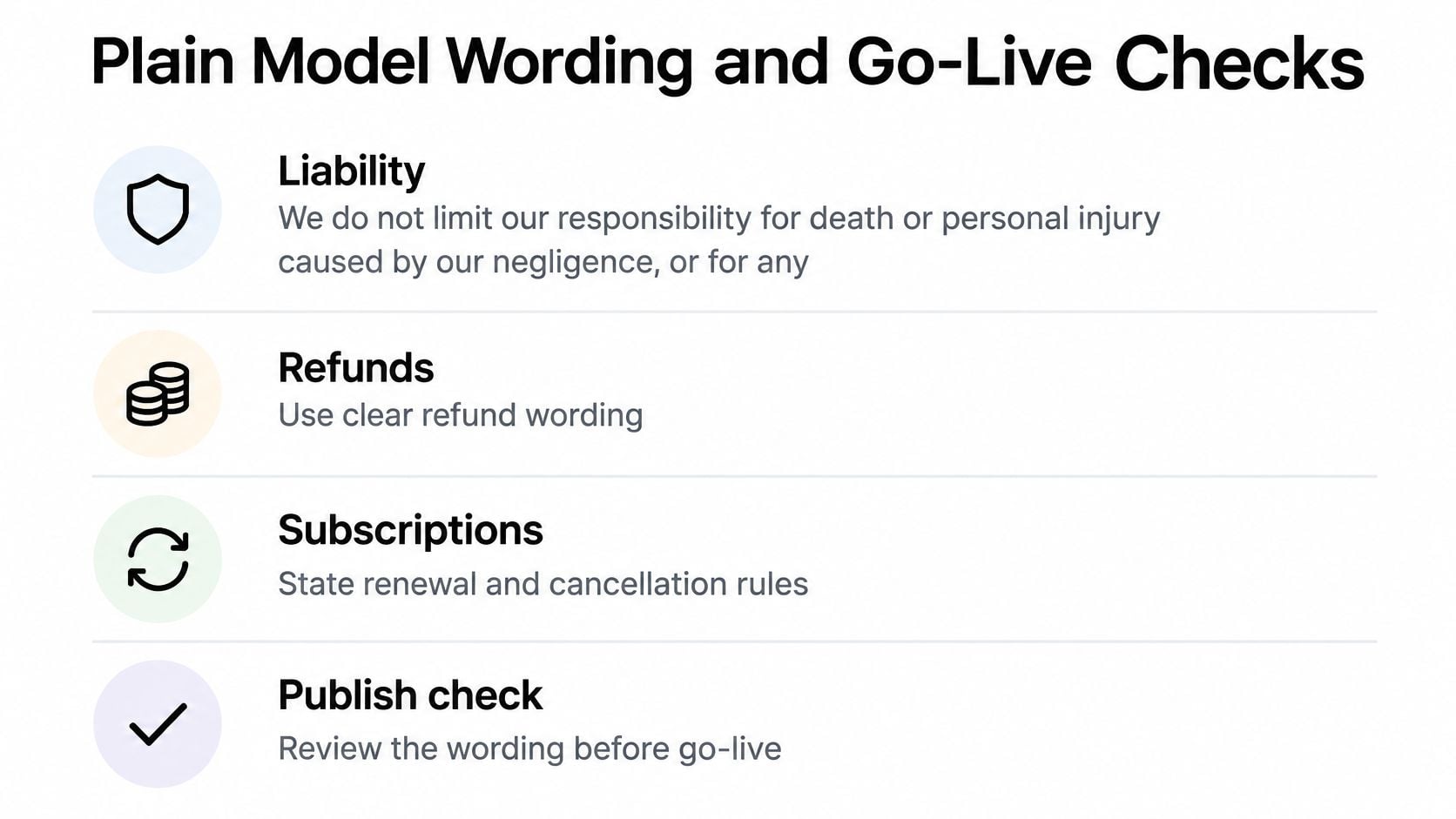
Liability. We do not limit our responsibility for death or personal injury caused by our negligence, or for any rights you have under the Consumer Rights Act 2015.
Cancellation. If you buy at a distance, you can cancel within the statutory cooling-off period, and your order confirmation shows the exact end date.
Digital downloads. If you ask us to supply digital content immediately, you acknowledge that you lose your right to cancel once the download or stream begins.
Changes. These terms are version [date]. Orders already placed stay on the version accepted at checkout.
Adapt the wording to your actual service, then have it checked before it goes live on anything unusual.
Why accessibility belongs in the terms, not the design file
UK public-sector guidance requires digital services to meet WCAG 2.2 AA and to publish an accessibility statement explaining compliance, as set out in the equality and accessibility requirements guidance. Those rules target public bodies, but the Equality Act 2010 keeps accessibility relevant to private businesses that provide services to the public.
The practical test is simple. Can a keyboard user reach the terms, open the cookie settings and finish checkout? Unplug the mouse and try. Check heading structure with a screen reader, caption any video, and make consent buttons usable without a drag or a pixel-perfect click.
Go-live checks
- Identity matches. The legal name and postal address in the footer match your invoices and payment provider.
- Prices are complete. VAT and compulsory extras show before checkout, not after.
- The button states the duty to pay. No vague Submit label at the payment step.
- The acceptance box starts empty. Nothing pre-ticked for terms, marketing or cookies.
- The layers are separate. Terms, privacy notice and cookie notice are three linked pages.
- A copy can be kept. A downloadable or emailed version exists and goes out with the order.
- Keyboard test passed. Tab through every field on the page without a mouse.
Work through those seven checks on a staging copy first, and the website launch checklist covers the wider sequence for DNS, forms and tracking before the site goes public.
Treat that as a starting point a solicitor can check, not as advice on an unusual contract.
Publish the Pages in WordPress
Publishing is a sequence, and the order saves a second round of edits.
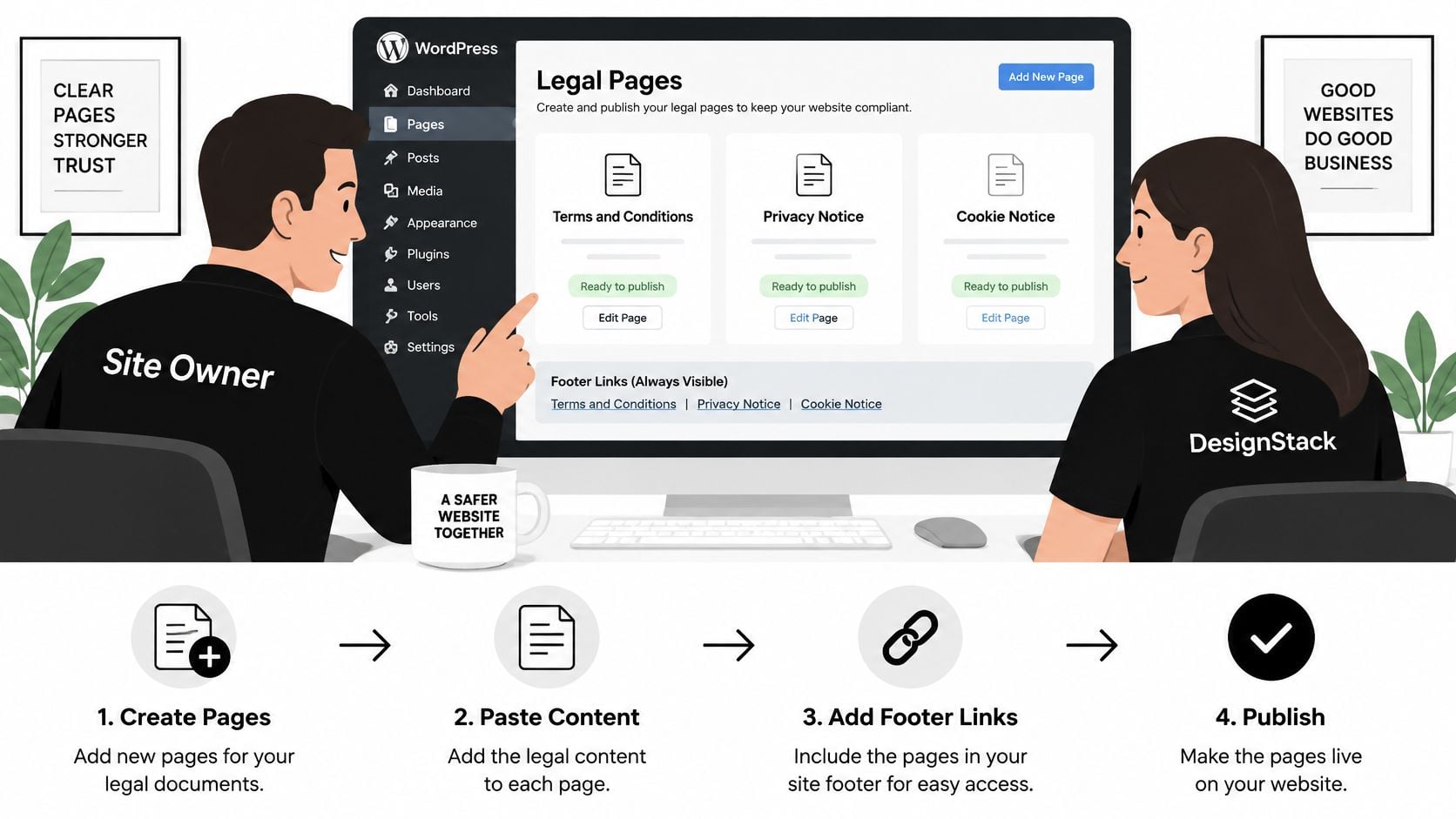
- Create three pages. Terms and Conditions, Privacy Notice and Cookie Notice, each reachable from a persistent footer link on every page. Add an accessibility statement too if you serve the public.
- Paste reviewed wording into the editor. Keep it in the page content rather than a hard-coded template so a non-technical member of staff can update it later. Pages we build are editable whatever the client's skill level, using a website editor that makes content changes quick and easy.
- Configure consent. Set the cookie tool so non-essential scripts wait for a recorded choice, and visitors can change their mind later.
- Add the acceptance box. Leave it unticked on checkout, booking and membership forms, and store the terms version and date with each order.
- Version and archive. Date the live page, archive the previous file, and email a durable copy of the terms with every order.
If you're choosing a platform alongside this, the reasons to use WordPress to build a website include exactly that kind of day-to-day editing control.
For the editor side of steps two and five, this walkthrough covers pages, posts and the block editor in detail.
If you prefer a written reference to follow while you work, this WordPress content management system tutorial covers the same ground step by step.
DesignStack Ltd, 2nd Floor, 11 St Nicholas St, Weymouth DT4 8AA, builds and hosts these pages at a fixed cost. Call (01305) 301404 or email hello@designstack.co.uk to add the three pages to a new or existing site.
Frequently Asked Questions and When to Consult a Solicitor
A terms page does not bind a customer just because it sits in the website footer. Customers need fair notice of the terms before they agree to a purchase or booking.
Can a small UK business rely on a footer link if a customer disputes delivery, refunds, renewal or liability?
A footer link alone may not be enough. Put a clear link where customers make their decision, such as beside the checkout button. For higher-risk transactions, use an unticked acceptance box and keep a record of the terms version shown with the order.
Do we need terms if we only take bookings?
Yes. Online bookings need clear information about the service, timing, payment, cancellations and missed appointments. Show the deposit and cancellation window on the booking form, so customers can see them before confirming.
Can inaccessible terms or cookie notices create risk even when the wording is correct?
Yes. Customers must be able to read and use the terms and consent controls. If someone cannot reach a link by keyboard or operate a consent button with a screen reader, they may not have had a fair chance to understand or accept the terms.
When a solicitor is the right call
Ask a solicitor to review terms for regulated advice, medical or financial claims, complex subscriptions, marketplaces where other businesses sell through you, or contracts with other businesses. Legal advice is also sensible for clauses affecting statutory rights or limiting liability. Choose a solicitor regulated in England and Wales or in the relevant UK nation, with experience in your type of contract.
A web agency can publish wording and configure a checkout, but that work is not legal advice. If you need advice on your terms, get legal help from a solicitor whose qualifications and specialism fit your needs.
DesignStack can build and host websites at a fixed cost for businesses in Dorset and beyond. Call (01305) 301404 to discuss the site changes you need.