What Is Managed WordPress Hosting and Who Needs It
Managed WordPress hosting is a service where the provider runs much of your website's technical stack, including updates, backups, security controls, monitoring and support, so you can focus on content and customers. Unlike basic shared or self-managed hosting, where you retain more of that work, it adds operational support around a platform used by 39.6% of all websites measured.
You might be reading this because your website has become another job you didn't intend to take on. You're serving customers, preparing quotes or updating stock, while WordPress keeps asking you to update something you're not entirely confident about touching.
For a Dorset business owner, the useful question isn't whether managed hosting makes a website faster. It's who will take responsibility when something needs attention, and what you'll still need to look after yourself.
Table of Contents
- Managed WordPress Hosting in Plain English
- What the Provider Actually Handles
- Managed Versus Shared, VPS and Self-Hosted
- Typical Pricing and Where the Hidden Costs Hide
- What Managed Hosting Does Not Cover
- Performance, Speed and the UK Visitor Experience
- Choosing Managed Hosting for a UK Small Business
- Bringing It All Together
Managed WordPress Hosting in Plain English
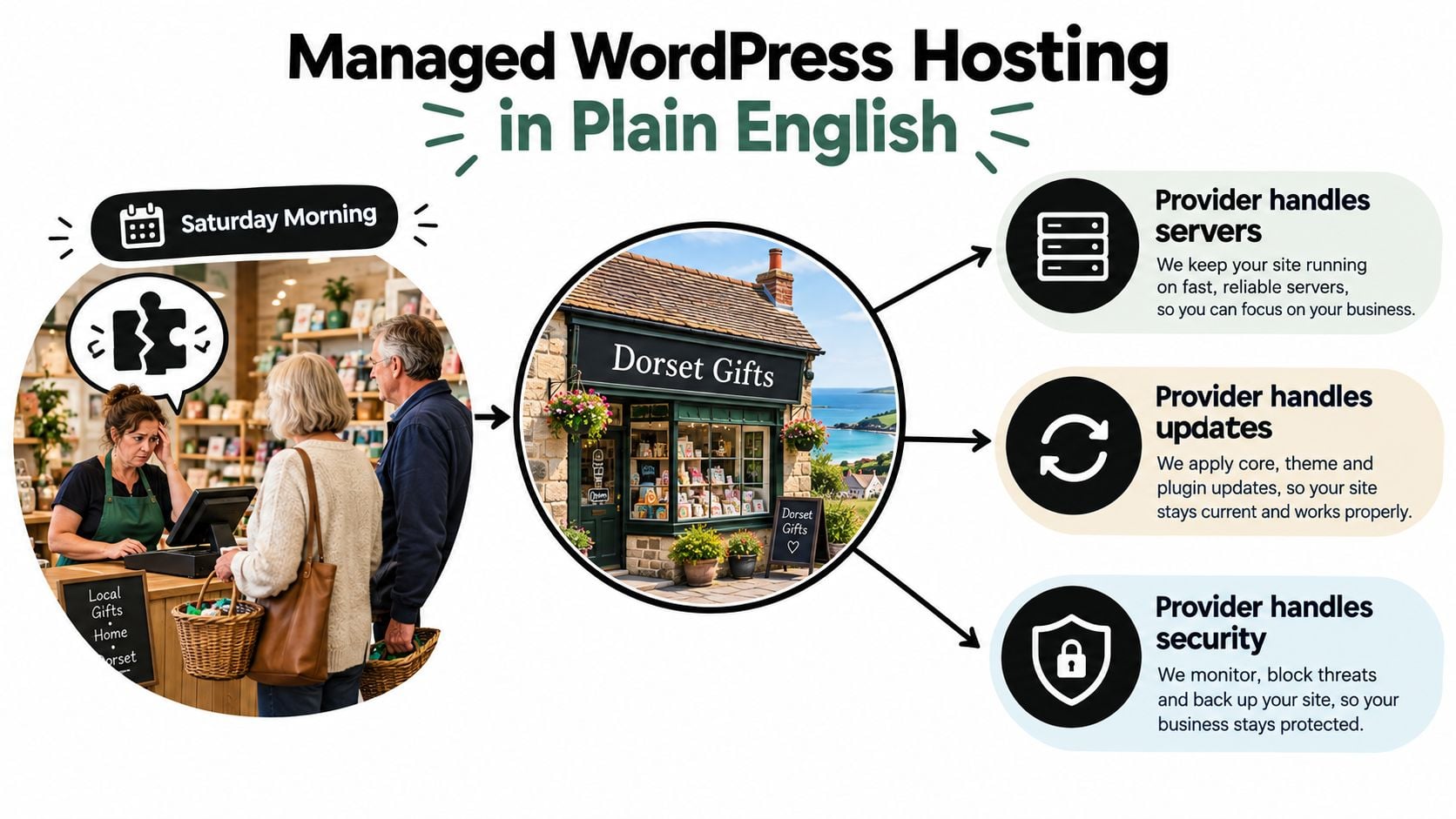
It's Saturday morning at a Dorset gift shop. The owner is at the till, customers are waiting, and an online shopper reports that the checkout has stopped working after a plugin update.
That's an illustrative situation, not a customer case study, but it captures the decision neatly. The owner needs someone to investigate the website while they carry on running the shop.
Hosting space versus an operational service
Hosting is the computing environment that stores your website and makes it available to visitors. WordPress uses that environment to assemble pages from your content, design files and database.
Managed WordPress hosting adds a provider's technical work to that environment. Depending on the agreement, the provider maintains the server, updates software, watches for problems and helps recover the website when something goes wrong.
The important phrase is depending on the agreement. A host might manage the server very thoroughly without testing your shop's checkout after a plugin update.
That distinction matters more than the label on the sales page. Buying a managed plan should give you an identifiable person or team responsible for agreed technical tasks, not just a dashboard with extra buttons.
Practical rule: Ask who does the work, who checks the result and who responds if the work causes a problem.
What changes for the owner
You still decide what the website says and does. A retailer adds products and manages orders; an accountant updates services and checks enquiries; a community organisation publishes events.
The provider takes on an agreed portion of the technical upkeep that supports those activities. Think of it as choosing how to organise website operations, rather than buying a replacement for business ownership.
If you're asking "what is managed WordPress hosting?", the clearest working answer is hosting with a defined maintenance and support service attached. The quality of that definition determines whether the arrangement reduces your workload.
What the Provider Actually Handles
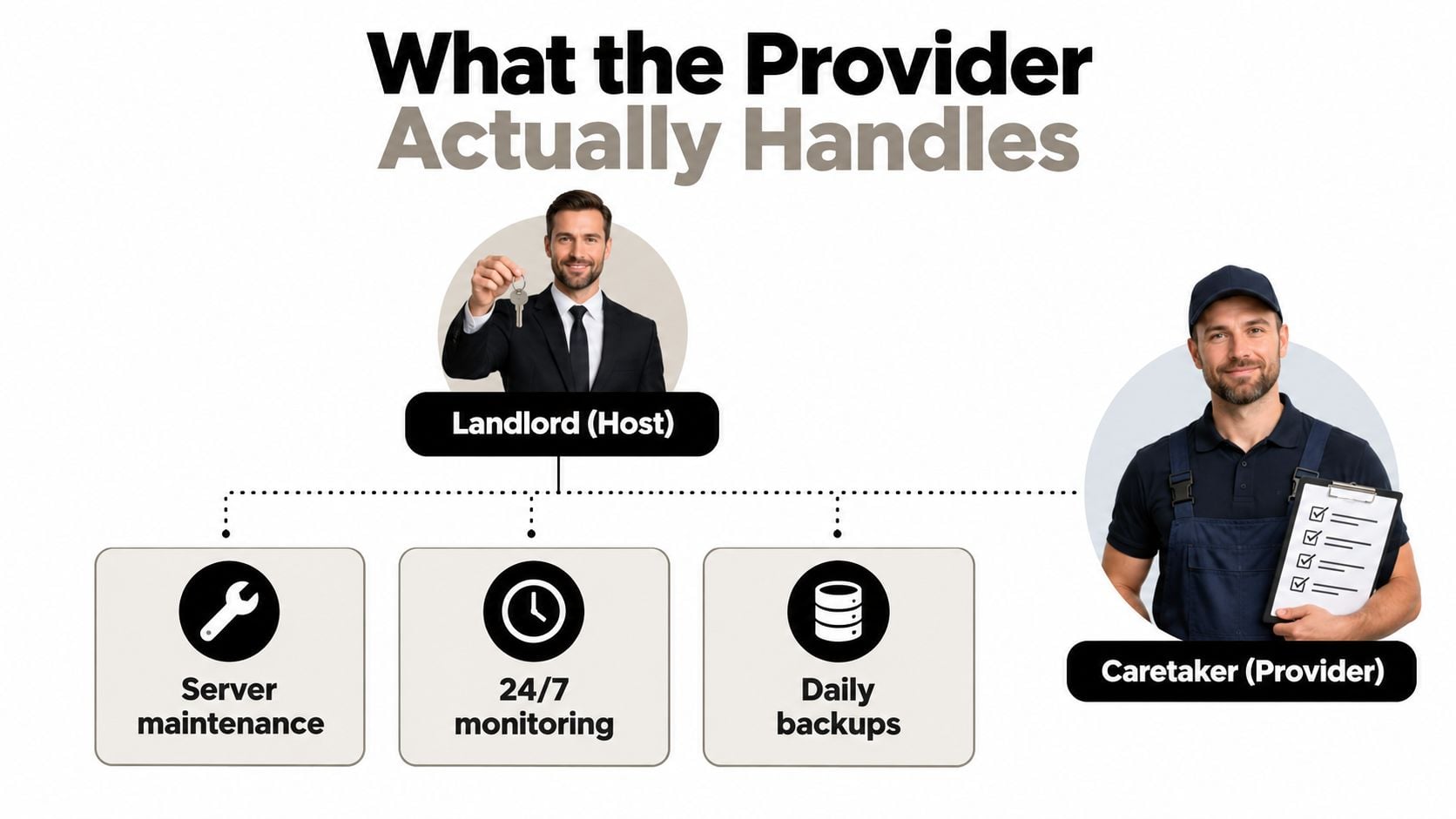
A basic host resembles a landlord who supplies usable premises. A managed provider also takes on some caretaker duties, maintaining the systems that let you use those premises.
The analogy has limits, but it helps separate the website's environment from the business you run inside it. You're paying for agreed upkeep, not handing over every decision.
WordPress was first released on 27 May 2003; by October 2026, it accounted for 58.4% of websites with an identifiable content-management system, equivalent to the all-website share mentioned earlier, according to W3Techs' WordPress technology comparison. Its established ecosystem makes compatibility work a meaningful part of maintenance.
Translate features into actual work
- Updates and testing: Confirm whether the provider maintains WordPress core, themes, plugins and PHP, the software WordPress runs on. Ask whether they test changes or enable automatic updates.
- Backups and restoration: A backup is a recoverable copy of your website. Establish whether copies are stored separately from the live account, how long they're retained and who performs a restore.
- Security and monitoring: Clarify which firewall controls, malware checks, SSL certificate renewals and availability alerts are included. An alert is only useful if someone acts on it.
- Staging and caching: Staging provides a private testing copy of your site. Caching lets the server reuse prepared content rather than rebuild everything for each visitor.
Support needs a defined scope
A support team might investigate a server fault but decline to repair a booking plugin. Another provider might diagnose the plugin conflict, roll back the update and work with your developer.
Compare WordPress maintenance and support arrangements alongside hosting specifications. For another resource to consult when drawing up your questions, Digital Skyrocket website protection is relevant to the maintenance, security and support discussion.
Ask for a written explanation of what happens when a checkout fails. That answer tells you considerably more than a feature labelled “expert support”.
Managed Versus Shared, VPS and Self-Hosted
Shared, VPS and managed don't describe quite the same thing. Shared hosting and a virtual private server describe how computing resources are provided; managed describes who looks after them.
A managed WordPress service can therefore run on shared infrastructure or a more isolated environment. Don't assume that “managed” means your business gets an entire physical server.
Hosting types at a glance for UK small businesses
The price column below is deliberately qualitative. A meaningful monthly figure needs a current quotation with service scope and resource limits attached.
| Hosting type | Server and updates handled by | Security responsibility | Typical monthly price (UK) | Best fit for |
|---|---|---|---|---|
| Basic shared hosting | Host maintains infrastructure; owner or developer usually maintains WordPress | Divided between host and owner | Lower-cost starting point; check inclusions | Modest brochure sites with someone available for maintenance |
| VPS | Owner or appointed administrator, unless management is included | Owner carries substantial responsibility on unmanaged plans | Depends on resources and management | Businesses needing configuration control and technical support |
| Self-managed server | Business's infrastructure team or contractor | Business coordinates protection and recovery | Infrastructure plus administration costs | Organisations with dedicated technical capability |
| Managed WordPress | Provider handles the tasks specified in its agreement | Provider covers agreed controls; owner retains business-side duties | Service-inclusive pricing; scope varies | Businesses wanting WordPress operations handled externally |
Choose by capability, not status
For a local tradesperson with a straightforward services website, basic shared hosting may be sufficient if a dependable developer handles maintenance. It isn't automatically an inferior choice.
A VPS suits a business that needs more configuration freedom and has someone capable of administering it. Fully self-managed infrastructure makes sense when control is important enough to justify ongoing technical responsibility.
Managed WordPress is a sensible candidate when the website matters commercially but nobody wants server administration added to their job description. Resource limits still matter, so compare the actual WordPress website hosting specification rather than relying on the category name.
For a trades business deciding how its website should be built as well as hosted, UK web design guidance for trades offers a related decision resource. Keep those choices separate: the way you commission a website doesn't, by itself, settle who maintains it afterwards.
The right option matches your technical capacity, expected demand and tolerance for troubleshooting. There's no prize for buying infrastructure your team can't confidently operate.
Typical Pricing and Where the Hidden Costs Hide
The useful price isn't the headline monthly fee. It's the cost of keeping your particular website supported over the full agreement, including anything excluded from the plan.
Without current, comparable quotations, a precise UK price range would be misleading. Use entry-level, mid-tier and agency-grade as prompts for investigation, not standardised packages with predictable contents.
A pricing reference for comparing quotes
| Plan description | What to establish | What may change the total |
|---|---|---|
| Entry-level managed | Included sites, storage, usage allowance and basic support scope | Renewal rate, optional testing and recovery work |
| Mid-tier business | Staging, resource headroom and application support | Traffic overages and premium plugin licences |
| Agency-grade or complex-site | Multiple environments, coordination and specialist requirements | Bespoke development and out-of-scope incident work |
Request a quotation showing the ongoing rate, whether VAT is included and what happens when your site exceeds an allowance. A seasonal shop needs to understand campaign-related charges before sending customers to a new collection.
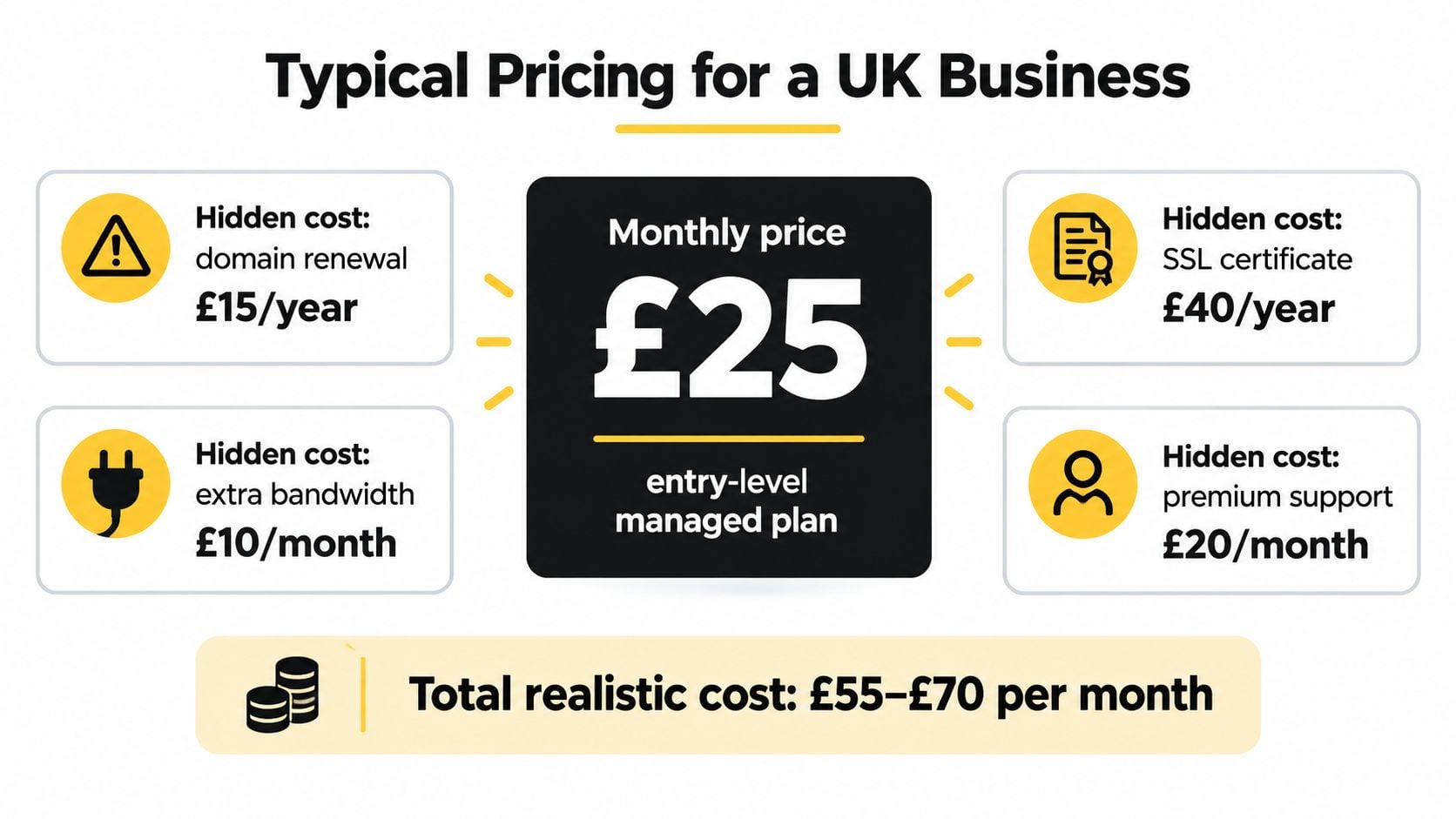
The illustration below shows how separate cost lines can accumulate. Its amounts are illustrative artwork, not verified current prices or a recommended budget, and shouldn't be used to price a hosting plan.
Ask what happens outside the allowance
- Renewals: Get the post-introductory charge in writing, along with the cancellation terms.
- Migration: Establish whether moving the site includes testing forms, orders and integrations, or only transferring files.
- Licences and extras: Check who pays for premium plugins, additional storage, staging and any separately charged certificates.
- Emergency work: Ask whether diagnosis, cleanup and restoration are included or billed separately.
Use a website hosting cost guide to frame your enquiry, then compare written quotes against the same requirements. Don't count an excluded task as a saving if you'll still need to pay someone else to do it.
Compare the cost of an adequately supported website, not just the cost of renting its server space.
What Managed Hosting Does Not Cover
A Dorset retailer might ask its host to secure a WordPress site, then discover that a former staff member still has administrator access. The server may be maintained, but the business still controls who can log in and which outside services connect to the site. Managed hosting is an operational arrangement, not a transfer of every security decision.
The UK Cyber Security Breaches Survey 2025/26 reported that 43% of UK businesses experienced a breach or attack during the previous 12 months. It also found that 41% undertook cyber-security risk assessments, down from 48% the year before. These are business-wide findings. They do not show that any particular hosting plan will prevent an incident.
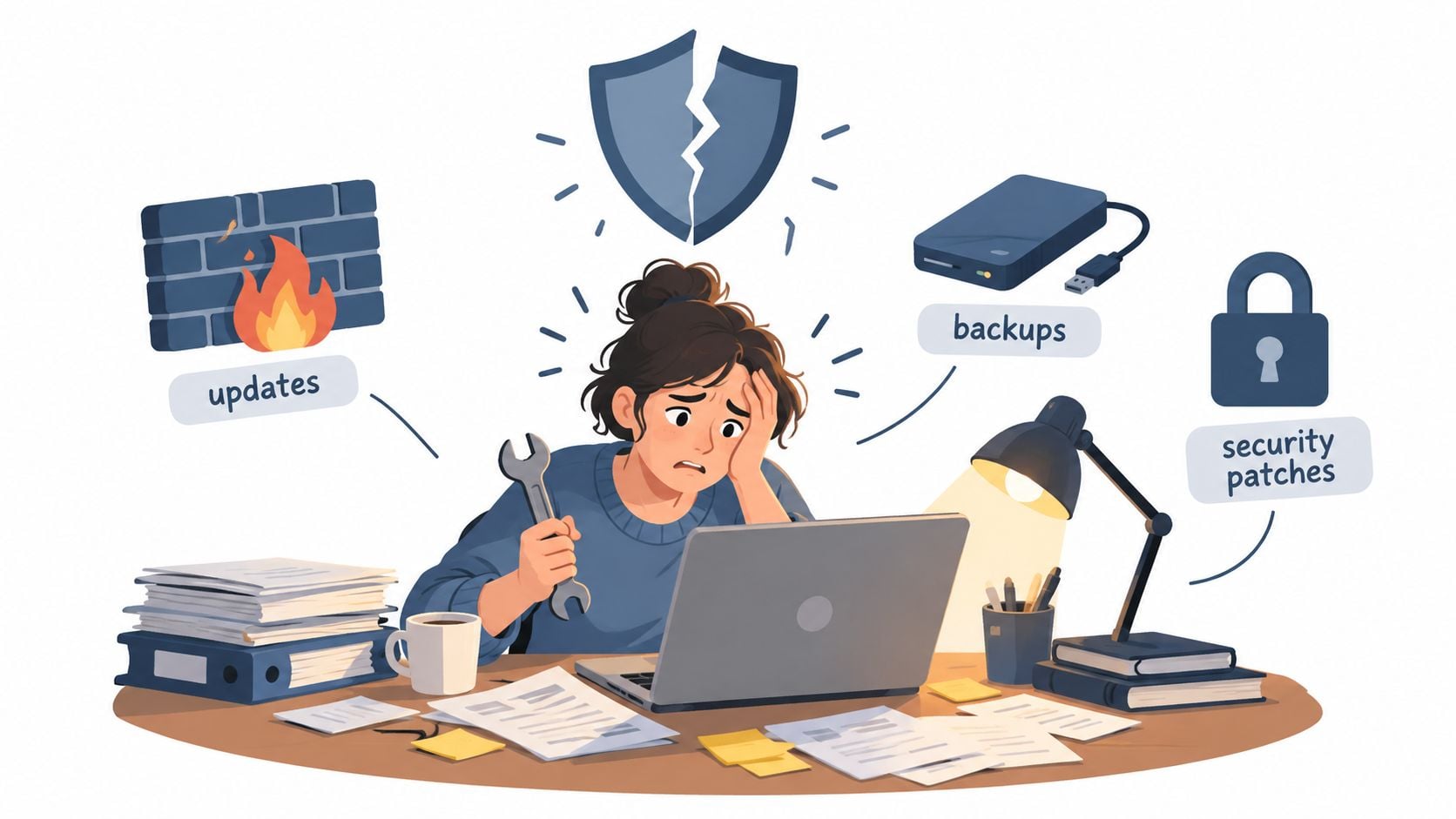
Start with access. Your business decides who has administrator permissions, removes access when someone leaves, and protects sensitive accounts with strong authentication. The host can maintain the server, but it cannot make those choices for you.
The same boundary applies to plugins and connected services. A provider may maintain a plugin that is installed on your site. That does not necessarily mean it has assessed the plugin supplier, payment integration or flow of customer data for your organisation. Domain registration, domain security and email accounts also need named owners, even if one supplier sends all the invoices.
Before an incident, agree who takes charge of decisions that affect the business. If a vulnerable plugin supports bookings, for example, disabling it may prevent customers from making appointments. The host may advise on the technical risk, while you or your developer decides how the business responds.
Clarify how the provider handles suspicious administrator activity, unauthorised accounts, backup restoration and malicious changes. Ask whether it can restore an isolated backup and whether the process has been tested. Support may investigate or restore files, but cleanup could require a separate specialist.
For a professional firm, an incident can involve client information as well as an unavailable website. The host may provide technical evidence, but the business needs someone authorised to contact customers and assess any reporting obligations.
Write down the division of responsibility between the owner, host and developer. A task without a named owner remains your risk, however reassuring the hosting description sounds.
Performance, Speed and the UK Visitor Experience
A Dorset retailer's website may serve customers nearby, while a professional firm may receive enquiries from across the UK. In both cases, visitors notice whether a product page loads, a booking form responds and checkout works as expected. Hosting is therefore an operational choice: it shapes the conditions your website runs in, but it does not take responsibility for every cause of delay.
Managed hosting can tune server response, database performance and PHP settings, and limit competition for resources. A content delivery network, or CDN, can serve suitable files from locations closer to visitors. These measures help with the hosting layer. Large images, inefficient themes and heavy plugins still need attention from the people maintaining the site.
The useful question is how quickly a customer can complete a task. Edmonds Commerce's Core Web Vitals research describes good-experience thresholds of below 2.5 seconds for Largest Contentful Paint, below 0.1 for Cumulative Layout Shift and below 200 milliseconds for interaction response. Its cited UK field data indicates roughly 29% of UK sites fail Core Web Vitals.
These measures point to different problems. Largest Contentful Paint tracks when the main visible content appears. Slow server response can delay the start, but an oversized product photograph can hold up the page too.
Cumulative Layout Shift measures unexpected movement. If a late-loading element shifts a booking button just as someone tries to select a date, the page layout needs attention, not only the hosting.
Interaction to Next Paint reflects how promptly a page responds after someone interacts with it. Heavy scripts or inefficient plugins can make a healthy server feel slow. The host and website team may each have work to do.
Ask prospective providers how they assess the experience for your UK audience, rather than relying only on a test run near the host's server. Ask how resource limits affect busy periods, and whether tests cover baskets, account pages and forms as well as cached public pages. You should also be able to test performance changes away from the live site.
Use website loading-speed improvements to review the parts your website team controls. The host supplies and tunes the environment; your team remains responsible for building pages that use it well.
Choosing Managed Hosting for a UK Small Business
A local shop may rely on its website to take orders, while a community group might only publish occasional updates. The right hosting arrangement depends on what the site needs to do and what happens if it fails, not on how busy it looks.
A professional firm can receive few visits yet depend on every enquiry reaching the right person. Commercial importance isn't the same as visitor volume. A quiet website can still support work the business cannot afford to lose.
Include accessibility in the service conversation
Uptime alone does not show whether customers can use a website. A site may load but leave someone unable to reach a form, understand a button or complete checkout. Ask how accessibility checks fit into maintenance, especially after changes to navigation, forms or checkout templates.
Oxford Web Services' accessibility coverage cites research that found detectable WCAG 2.2 Level A or AA failures on 94.8% of websites in February 2025. This is not a UK-only failure rate. The reported issues, including poor contrast and keyboard-navigation barriers, are still relevant when deciding what to check after an update.
Ask who tests key customer journeys and who puts things right if an update breaks them. An automated update can finish successfully while a customer-facing form no longer works.
Make the comparison specific
When speaking with providers, use the same questions for each. Their answers should make the boundaries of the service clear:
- Service definition: Which tasks are included, and which are outside the agreement?
- Data location: Where are the website and backups stored, and does that suit your requirements?
- Recovery evidence: Are backup storage, retention and restoration procedures documented?
- Support access: How can you request help, and what response commitments apply?
- Working relationships: Will the provider coordinate with your existing developer or agency?
- Ownership and exit: Can you keep your domain, obtain your files and database, and move without avoidable obstacles?
DesignStack is one option for businesses considering managed WordPress hosting alongside maintenance and support. Compare its scope with other providers using the same criteria, and use this guide to choosing a web hosting provider to organise the comparison.
Decision test: If a provider cannot explain who handles a customer journey that stops working, the word “managed” does not answer the question.
Keep your current arrangement if it reliably covers the work your business needs. Change providers to close a specific responsibility gap, not to buy a more reassuring label.
Bringing It All Together
Managed WordPress hosting is a choice about time, risk and operational focus. Its value comes from placing agreed technical work with people equipped to do it, while giving your business a clear route to support.
The trade-off is service cost versus work you would otherwise perform or commission separately. A well-scoped agreement can reduce avoidable disruption and make recovery more organised, but it doesn't guarantee a problem-free website.
Start with the consequences of losing the website
Write down the business activities that would stop if your website became unavailable. Be specific: customers couldn't place orders, prospective clients couldn't submit enquiries, or members couldn't access event information.
Then identify the person currently responsible for restoring each activity. If the answer is you, despite having neither the time nor the technical confidence, that's a useful signal to reconsider the arrangement.
- Check the dependency: Does the website support essential transactions, or mainly provide background information?
- Check the coverage: Is someone already maintaining it competently under a separate agreement?
- Check the handover: Would a new provider close an actual gap, or duplicate work you're already buying?
Buy a workable relationship
Ask a shortlisted provider to describe how they would handle a failed update on your site. Look for a clear sequence of diagnosis, communication, recovery and checking, with responsibilities assigned rather than implied.
Keep the agreement understandable enough that a colleague could use it if you were away. Support details, account ownership and escalation contacts shouldn't exist only in someone's memory.
You don't need to become a server administrator to make a sound hosting decision. You need to know what your business depends on, which work you're delegating and what remains yours.
The sensible next step is to gather your current hosting agreement, maintenance scope and renewal details. Compare them with your list of essential website activities, then ask for clarification wherever responsibility is unclear.
DesignStack's Weymouth team offers WordPress website hosting, maintenance and support for Dorset and UK businesses. Visit DesignStack to request a second opinion on your current setup, bringing your hosting plan and a short list of the website functions your customers rely on.