PHP2Shell: What the New PHP Security Flaws Mean for Your Website
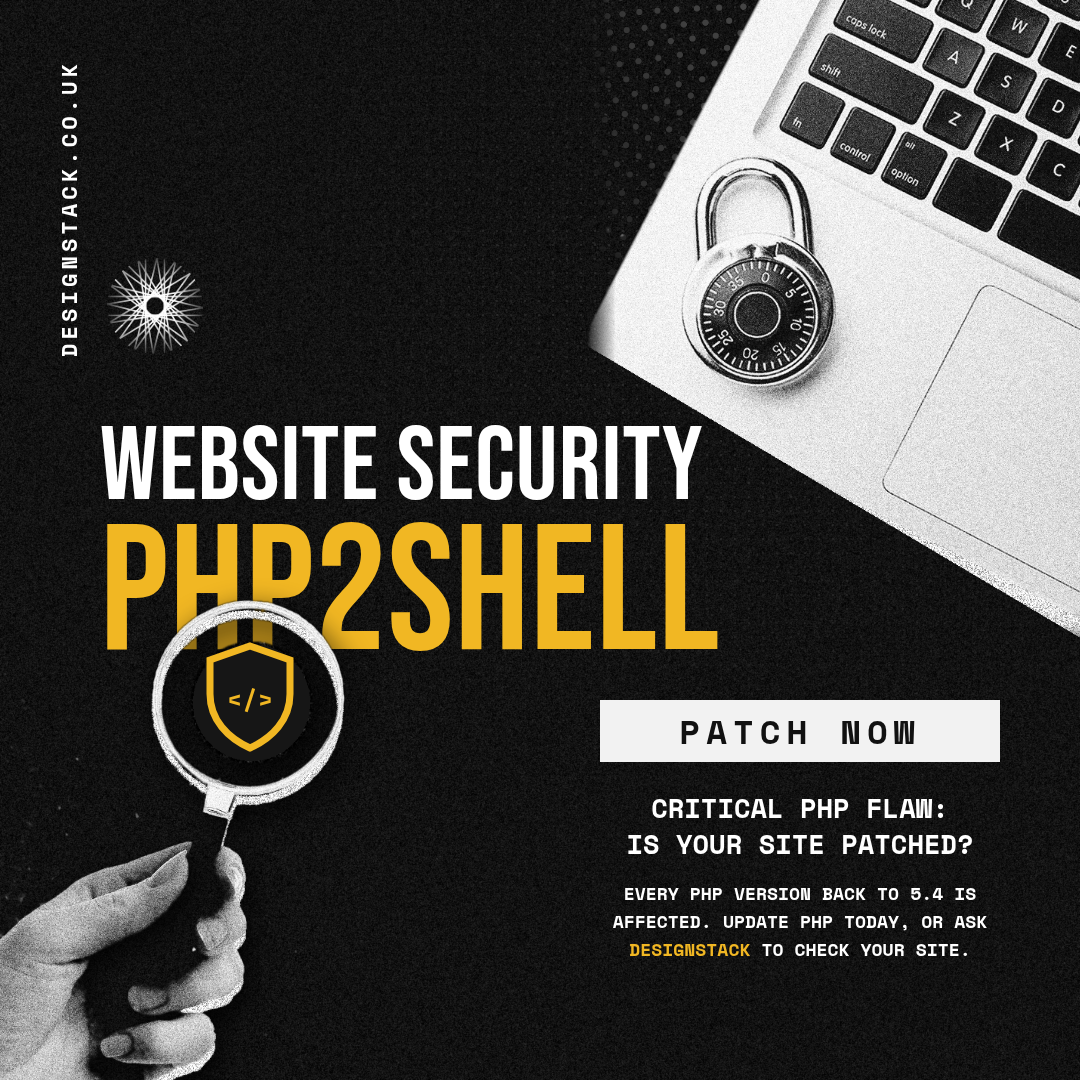
If your website runs on WordPress, it runs on PHP. And today PHP fixed flaws that the researchers who found them rank among the most severe ever discovered in PHP.
Security firm Wiz, one of the teams behind the discovery, published its research under the headline “PHP2Shell: AI uncovers critical RCE vulnerabilities affecting 70% of the Internet”. You can read Wiz’s full write-up here: https://www.wiz.io/blog/php2shell-php-rce
Here’s what it means in plain English, and what we’re doing about it.
What’s actually happened?
PHP is the programming language that sits underneath most websites, including WordPress, Drupal and Joomla. Wiz found serious flaws in PHP itself, not in any particular plugin or theme.
The big one is what’s called RCE, or remote code execution. Put simply, it means an attacker could run their own code on your web server from anywhere, without needing to log in. Once someone can do that, they can do pretty much anything: change your site, steal data or use your server for something nasty.
A few things make this one worse than usual:
- Every PHP version going back to 5.4 is affected by at least one of the flaws.
- Wiz showed it working against WordPress, Drupal and Joomla.
- Because the problem is in PHP, a website can be at risk even if its own code is perfectly fine.
Is there a fix?
Yes. PHP released fixed versions today: 8.5.12, 8.4.27, 8.3.36 and 8.2.35. Updating is the only complete fix.
If your site is on PHP 8.1 or older, there’s no official fix from the PHP project, so the safest move is to upgrade to a supported version.
The UK’s National Cyber Security Centre is urging organisations to take immediate action and update. Their advice is here: https://www.ncsc.gov.uk/news/critical-security-issue-affecting-php
What we’re doing for our clients
We’ve already been updating PHP across our clients’ sites today. We’re also applying our hosting providers’ security patches as they roll out, and testing each site as we go to make sure everything still works properly afterwards. We’ll keep monitoring things over the coming days.
What you should do
- Check which PHP version your site is on. Your hosting control panel will usually show it, or in WordPress go to Tools > Site Health > Info > Server.
- Update to one of the fixed versions above, or ask your host to. Back up your site first and check it afterwards.
- If you’re on PHP 8.1 or older, plan an upgrade to a supported version now.
- Not sure, or don’t have the time? Ask us.
Need a hand?
If you’re not sure whether your website is up to date, or you’d just like someone to check, get in touch with DesignStack (https://designstack.co.uk/contact-us/). We’re happy to take a look.