


Best WordPress Website Hosting for UK SMEs: 2026 Guide
The best WordPress website hosting for a UK small business isn't the cheapest option. Choose UK-based servers, dependable support, and renewal pricing you can understand, with typical annual hosting costs often falling around £150 to £350 after renewal. UK WordPress hosting cost guidance puts shared renewals at about £8 to £10+ per month, mid-tier plans at £10 to £20, and managed hosting at roughly £15 to £40+ per month.
You may be comparing hosting offers after a familiar warning from your website. A page takes too long to load, a contact form stops working, or your provider sends you through three support tickets before anyone explains what happened. For a Dorset business, that isn't an abstract technical nuisance. It can mean a missed enquiry, an abandoned basket, or a customer deciding to call someone else.
The right choice depends on your website, your audience, and how much technical work you want to handle yourself. This guide focuses on the practical questions UK SMEs often need answered, including server location, support, backups, performance, and the renewal cost hidden behind an attractive introductory offer.
Table of Contents
- Why Your WordPress Hosting Choice Matters More Than You Think
- The UK Hosting Market and What It Means for Your Business
- Shared, Managed and Cloud Hosting Explained Simply
- What Actually Matters When Comparing WordPress Hosts
- Performance Benchmarks and Real-World Speed Insights
- Understanding UK Pricing and Where Managed Hosting Adds Value
- Choosing the Right Hosting Path and Next Steps
Why Your WordPress Hosting Choice Matters More Than You Think
A business owner in Weymouth might choose the first hosting plan that appears in a search result. The price looks harmless, WordPress is supported, and the provider promises “fast, secure hosting”. A few months later, the site feels sluggish on mobile, the hosting dashboard is difficult to understand, and support replies with instructions written for someone who already manages servers.
The problem isn't necessarily that shared hosting is always bad. It may be perfectly adequate for a small brochure site with modest demands. The problem is choosing without checking how the provider handles performance, backups, updates, outages, and support. A cheap plan can become expensive when you spend your own time diagnosing problems or lose enquiries while the site is unavailable.
WordPress also deserves more serious treatment than the phrase “website add-on” suggests. Independent 2026 estimates put WordPress at about 45% of UK website market share, with roughly 1.39 million to 1.41 million UK WordPress websites. The UK WordPress hosting market overview shows why hosting isn't a niche concern. Agencies, charities, professional firms, retailers, and local organisations all rely on the platform.
Hosting affects daily business operations
Your host supplies the environment where WordPress, your theme, plugins, images, forms, and customer journeys run. If that environment struggles, your visitors experience the result through slow pages, errors, or interruptions.
A local service business might miss a call because its booking page doesn't open properly. An online shop might see a customer leave before the checkout loads. A community organisation might find that a volunteer can't publish an urgent update because the dashboard is unresponsive.
Practical rule: Treat hosting as part of your digital infrastructure, not as a disposable monthly subscription.
The best WordPress website hosting doesn't have to be the most expensive package available. It needs to match the site you're running and give you a reliable route to help when something goes wrong. That means looking beyond the first-month price and asking what happens after renewal, during an outage, and when your website grows.
The UK Hosting Market and What It Means for Your Business
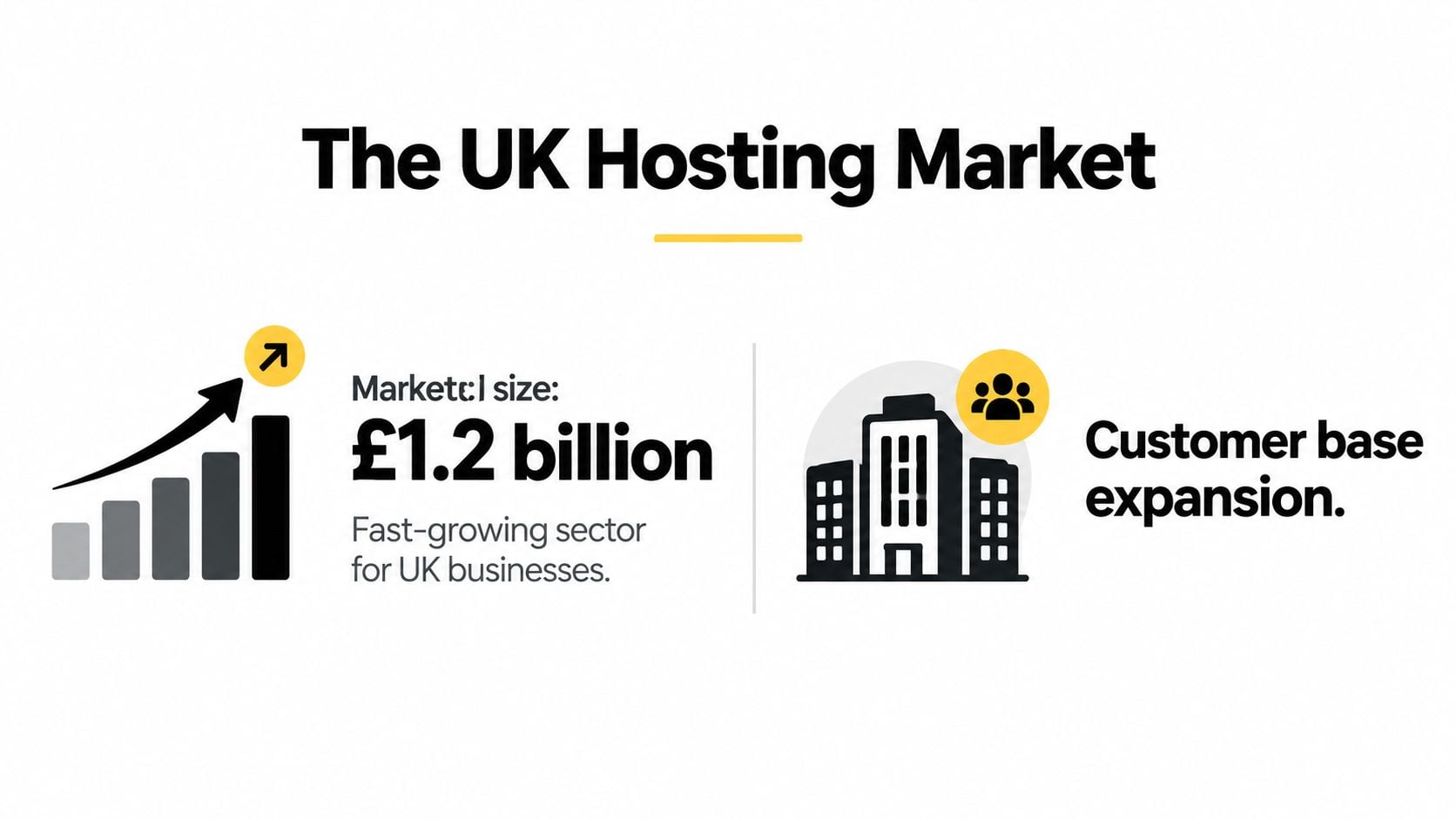
UK businesses are operating in a hosting market that's expanding quickly. One industry projection places UK web hosting revenue at $8.49 billion in 2023, with a projected 20.02% compound annual growth rate from 2023 to 2028. The UK WordPress hosting market guide also reports that the wider UK web hosting and data processing market could reach about $13.5 billion by 2026.
Those figures are projections, not a guarantee about what any individual provider will deliver. Their practical meaning is simpler: more businesses need hosting, more providers are competing for them, and more hosting plans are being packaged for different levels of technical ability.
The same UK-focused guide notes that the country has the third-most WordPress users in the world. That concentration supports a strong ecosystem of WordPress developers, support teams, infrastructure providers, and specialist services. It also creates a crowded marketplace where polished marketing can make unsuitable plans look interchangeable.
More choice creates a selection problem
A growing market gives you options, but it doesn't automatically make choosing easier. Two plans may both advertise WordPress support while offering very different backup retention, server locations, caching systems, restoration processes, and levels of human assistance.
For a small UK business, the useful question isn't “Which provider is famous?” It is “Which arrangement gives my site enough capacity and gives me a sensible response when I need help?” A local retailer may value dependable support more than advanced developer controls. A content-heavy organisation may need better caching and staging. A growing online shop may need a clear route to more resources.
| Business concern | What to investigate |
|---|---|
| Local visitors | UK data centre options and network connectivity |
| Site changes | Staging tools and a safe restoration process |
| Security | Updates, malware monitoring, and SSL support |
| Budget control | Renewal pricing and what the plan includes |
| Staff time | Support quality and the amount of maintenance included |
The market's scale makes hosting a strategic decision because changing provider later can involve migration work, testing, email considerations, and downtime planning. A little comparison before signing up is usually easier than untangling a poor fit after your website becomes busy.
Shared, Managed and Cloud Hosting Explained Simply
Think of hosting as renting premises for your website. Shared hosting is like renting a room in a busy house. You pay less because other websites use the same underlying resources, but activity elsewhere can affect the experience available to your site.
That arrangement often suits a small static site, a basic portfolio, or a new business keeping costs tight. It becomes less comfortable when your website uses demanding plugins, handles regular sales, or needs someone else to take responsibility for routine technical work.
Managed WordPress hosting is closer to hiring a caretaker for the building. The provider focuses on WordPress-specific maintenance, updates, backups, security checks, performance settings, and support. The exact service varies, so you still need to read the plan details, but the central benefit is reduced responsibility for the owner.
Cloud hosting offers room to adapt
Cloud hosting spreads resources across a flexible infrastructure rather than relying on one traditional shared server arrangement. You can think of it as renting flexible office space that can accommodate changing demand more easily than a small room.
That doesn't mean cloud hosting is automatically the right answer. A small services firm may gain little from complexity it doesn't need, while a growing retailer or membership website may appreciate the ability to scale. The deciding factors are your traffic patterns, site functionality, technical skills, and support expectations.
| Hosting type | Usually suits | Main compromise |
|---|---|---|
| Shared | Smaller, straightforward websites | Resources and support can be limited |
| Managed WordPress | Owners who want maintenance handled | Higher ongoing cost |
| Cloud | Websites with changing or growing demands | More choices to configure and understand |
A managed plan can make sense even when the website itself is small. The value may sit less in raw server capacity and more in having backups, updates, staging, monitoring, and an informed person to contact. You can compare the service in more detail through managed WordPress hosting options.
A useful way to decide: Pay for management when avoiding technical work and reducing recovery risk matters more than paying the lowest monthly price.
Don't confuse “managed” with “unlimited”. Ask what the provider manages, how often backups run, how long they remain available, and whether restoring a site is included or treated as a separate service.
What Actually Matters When Comparing WordPress Hosts
A host's headline speed claim tells you very little without context. Your theme, image sizes, plugins, database, caching, and visitor location all affect the final experience. A better comparison starts with the infrastructure and processes behind the sales page.

Start with location and software support
For visitors in Dorset, London, Manchester, or elsewhere in Britain, UK-based servers or direct UK backbone connectivity can reduce the distance data travels between the visitor and your website. UK hosting infrastructure information explains that UK data centres with direct connection to the UK internet backbone support lower latency for British audiences.
That can improve time to first byte, often shortened to TTFB, and make pages feel more responsive. It won't fix an oversized image or a badly configured plugin, but it removes an avoidable infrastructure disadvantage.
Check whether the host supports the latest stable PHP version your website can safely use. Also look for modern web protocols and compression, including HTTP/2 or HTTP/3, Brotli or Gzip, and TLS 1.3. These details matter because WordPress depends on PHP, while efficient delivery reduces the work required to send pages and assets to visitors.
Here's a practical checklist you can use while comparing plans:
- Server location: Confirm where the WordPress site will run and whether the network is suitable for UK visitors.
- PHP support: Check the available versions and whether changing versions is straightforward.
- Caching: Find out whether page, object, browser, or edge caching is included and supported.
- Backups: Ask how often backups run, how long they're retained, and who can restore them.
- Staging: Look for a staging environment so updates can be tested away from the live site.
- Support route: Check whether help comes through live chat, tickets, telephone support, or a specialist WordPress team.
- Renewal terms: Record the price after the introductory period, not just the launch offer.
A provider can advertise strong performance yet still be a poor fit if restoring a broken site is difficult. Use this web hosting selection guide to turn the marketing language into questions you can ask before buying.
The visual evidence is useful, but the operational detail matters just as much.
Performance Benchmarks and Real-World Speed Insights
Speed comparisons help you understand what good hosting can look like, but they shouldn't become a substitute for checking the full service. Independent UK-focused benchmark summaries report that Kinsta delivered the fastest TTFB consistently in UK tests, with the results attributed to Google Cloud C2 servers and Cloudflare Enterprise edge caching. The UK WordPress hosting benchmark roundup also reports UK load times of 150 to 193 milliseconds for top-tier hosts.
Those results describe benchmark conditions, not a promise for every website on every plan. A host may perform well in a test while your own site remains slow because a page builder, plugin, unoptimised image, or external script adds work.
Read the numbers in context
TTFB measures how quickly a browser begins receiving a response from the server. It matters because a visitor can't start receiving the page until the server responds, but it is only one part of the journey. A page still needs to download, render, and become usable.
That makes the practical target clear. Choose infrastructure that gives your site a strong starting point, then keep the WordPress installation lean and well maintained. Guidance on improving website loading speed can help you address the parts of performance that hosting alone can't solve.
For a UK SME, a useful comparison process looks like this:
- Test location: Check results from a UK testing location where possible.
- Compare response time: Look at TTFB as well as full page loading.
- Review the setup: Note whether caching, a CDN, and a modern server stack are involved.
- Test your own site: Measure the live website, not only a provider's demonstration page.
- Balance the result: Consider support, backups, staging, and renewal costs alongside speed.
A slightly slower provider with excellent recovery support may be safer for a business owner who doesn't have technical staff. Conversely, a busy online retailer may reasonably place greater weight on caching, capacity, and consistent response under load.
Performance is a decision factor, not the entire decision. The fastest benchmark result won't help much if your provider can't explain an outage or restore yesterday's version of your website.
Understanding UK Pricing and Where Managed Hosting Adds Value
Hosting prices often look attractive until you check what happens after the introductory period. UK-focused guidance places small business WordPress hosting commonly around £150 to £350 per year after renewal, while shared plans may renew at about £8 to £10+ per month, mid-tier shared or cloud plans at £10 to £20 per month, and managed WordPress plans at roughly £15 to £40+ per month. This UK hosting cost guide explains why the renewal figure deserves as much attention as the starting offer.
Other UK pricing examples show entry WordPress plans from about £3.99 to £6.99 per month. UK hosting advice for small businesses highlights the gap between inexpensive entry plans and specialist managed hosting on UK servers. The difference isn't automatically wasteful. It reflects the level of service and responsibility included.
Compare responsibility, not just storage
Basic hosting may give you the server space and an installation tool, but you may still need to manage updates, backups, security checks, plugin conflicts, and recovery. Managed hosting can include more of that work, depending on the provider.
For a professional services firm with a simple website, basic hosting may be sensible if someone can maintain WordPress and respond to problems. A small retailer may place more value on regular backups, staging, malware checks, and a support team that understands WooCommerce. A charity or community group may prefer managed support because responsibility is shared across volunteers.
| Your situation | A sensible starting point |
|---|---|
| Simple brochure site and technical confidence | Reliable shared hosting with clear renewal terms |
| Business site where downtime is disruptive | Managed WordPress with backups and support |
| Online shop or dynamic website | Managed or cloud hosting with room to scale |
| No internal technical resource | A managed service with a defined recovery process |
Ask these questions before you compare monthly prices:
- What will I pay when the introductory term ends?
- Are backups included, and can the provider restore them?
- Does support cover WordPress problems or only the server?
- Can I test updates in staging?
- What happens if the site is compromised or an update breaks it?
Managed hosting is worth the extra cost when it saves staff time, limits avoidable risk, and gives the business a clear recovery route. It isn't worth paying for features nobody uses, so match the service to the website rather than buying the most elaborate plan available.
Choosing the Right Hosting Path and Next Steps
A professional firm in Dorset with a few service pages usually doesn't need the same arrangement as an online retailer processing regular orders. The firm may prioritise simple management, reliable email enquiry forms, and responsive support. The retailer needs stronger attention to caching, backups, checkout reliability, and the ability to cope with growth.
A practical shortlist might look like this:
- For a straightforward business website: Choose UK-hosted shared or managed WordPress hosting with transparent renewals, backups, and a usable support route.
- For a retailer: Look for managed or cloud hosting that supports caching, staging, security monitoring, and safe restoration.
- For a growing brand: Choose an arrangement that can increase resources without forcing an unnecessary rebuild or migration.
- For a time-poor owner: Pay for management if maintaining WordPress would otherwise fall to someone without the time or confidence to do it properly.
If you're still planning the website itself, a resource such as find a website builder for your store can help you compare the wider build decision, including the platform, design, and features that sit above hosting.
The key questions are now straightforward. Is the server suitable for UK visitors? Does the plan include the maintenance and recovery help you need? Can you afford the renewal price, not only the launch offer? Does the host fit the way your website works today and the way you expect it to develop?
A local agency can also take responsibility for the parts that are easy to overlook. DesignStack works with WordPress websites and can provide hosting, maintenance, updates, backups, and support through its WordPress maintenance and support service. That gives a business owner another route when self-managing a host would create more work than it saves.
You don't need to understand every server setting before making a sound decision. Start with your visitors, your website's role, your available technical time, and the full renewal cost. Then choose the simplest hosting arrangement that protects those priorities.
If you want a clearer hosting recommendation for your WordPress site, visit DesignStack to discuss a UK-focused setup, website maintenance, and practical support from a Weymouth-based digital agency. You can bring an existing site for review or start with a new build and agree the hosting and ongoing care before launch.



Leave a Reply