


The Ultimate SEO Checklist for New Websites: 10 Steps for 2026
Launching a new website is a monumental step, but simply existing online isn't enough to guarantee visitors. Without a solid foundation in search engine optimisation (SEO), even the most beautifully designed site can remain invisible to its target audience. This is where a structured plan becomes your most valuable asset. Many businesses, from local Dorset retailers to national eCommerce brands, make the mistake of treating SEO as an afterthought, something to 'bolt on' after the site goes live. This reactive approach often leads to missed opportunities, technical headaches, and a frustratingly slow start. A proactive strategy, however, ensures your site is built to be discovered from day one.
This article provides the ultimate SEO checklist for new websites, breaking down the process into 10 actionable, non-negotiable steps. We'll move beyond generic advice and provide specific, practical guidance grouped into key phases: immediate post-launch setup, foundational technical fixes, on-page optimisation, and ongoing authority building. For businesses targeting a specific geographic area, from community organisations in Weymouth to professional services firms across the UK, complementing your strategy is also crucial. To supplement your overall strategy, an ultimate local SEO checklist provides actionable steps to dominate local search for your new business.
Whether you have just launched a new WordPress site or are preparing to unveil your first eCommerce store, this comprehensive guide will equip you with the exact steps needed to build a strong SEO foundation. Following this checklist will help you attract the right traffic, create a discoverable online presence, and turn your new website into a powerful growth engine.
1. Install and Configure Google Search Console
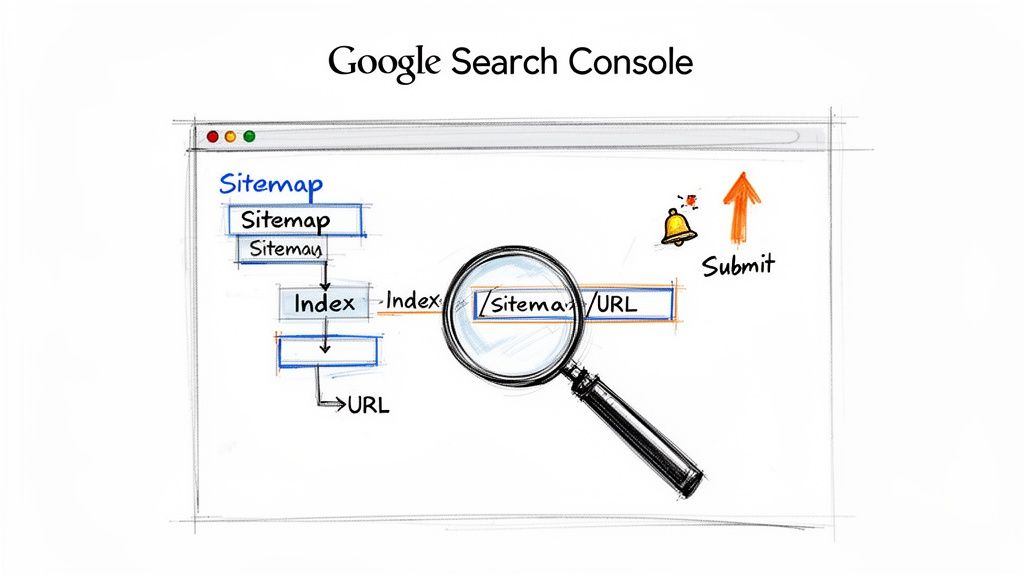
Think of Google Search Console (GSC) as your website’s direct communication line to Google. It is a free, indispensable tool that allows you to monitor your site's presence in Google's search results, making it a foundational element in any SEO checklist for new websites. It provides crucial data on how Google crawls and indexes your pages, identifies technical errors, and tracks your search performance. For a new website, setting this up before launch is non-negotiable.
GSC gives you unfiltered insight into how Google views your site. You can see which search queries bring users to your pages, track impressions and click-through rates, and receive alerts for critical issues like security vulnerabilities or manual penalties. This data empowers you to make informed decisions about your SEO strategy from day one.
Why It's a Priority
Without GSC, you are essentially flying blind. You won’t know if Google is struggling to access key pages, if your site has indexing problems, or how users are discovering you. For a new business, like a Dorset-based retailer, GSC can highlight if their new "Weymouth store" page is being indexed and appearing for local searches. Similarly, a UK-wide eCommerce brand can use it to ensure all its new product pages are being crawled and to identify underperforming pages that need optimisation.
Your Actionable Checklist:
- [ ] Verify Ownership: Go to Google Search Console and add your website property. Use the recommended DNS record method to verify you own the domain, which covers all versions (http, https, www, non-www).
- [ ] Submit Your XML Sitemap: Find the ‘Sitemaps’ section in GSC. Enter your sitemap URL (e.g.,
yourdomain.co.uk/sitemap.xml) and click submit. This gives Google a roadmap of all your important pages. - [ ] Review the Index Coverage Report: After a few days, navigate to the ‘Coverage’ report. Look for any errors or warnings that are preventing pages from being indexed and address them.
- [ ] Analyse Initial Performance: Check the ‘Performance’ report to see which queries are bringing the first impressions and clicks. This is your baseline for measuring future SEO success.
2. Set Up Google Analytics 4 and Goal Tracking
While Google Search Console tells you how users find your site, Google Analytics 4 (GA4) shows you what they do once they arrive. It is a powerful, free analytics platform that tracks user behaviour, conversions, and engagement across your website and apps. Implementing GA4 is a critical step in any seo checklist for new websites, as it provides the data needed to understand your audience and measure your marketing success.
GA4’s event-based model allows you to see the complete user journey, from their first visit to their final conversion. You can track key interactions, identify drop-off points in your funnels, and understand which content resonates most with your visitors. This data is invaluable for making informed, strategic decisions to improve user experience and drive business growth.
Why It's a Priority
Operating a new website without GA4 is like running a shop with the doors closed; you have no idea who is trying to get in or what they want. You cannot measure your return on investment or identify which marketing channels are delivering valuable traffic. A professional services firm in Dorset, for example, needs GA4 to track contact form submissions as conversions. Similarly, a UK-wide eCommerce brand can monitor add-to-cart rates and completed purchases to optimise its sales funnel.
Your Actionable Checklist:
- [ ] Create a GA4 Property: Sign up for Google Analytics, create a new GA4 property, and set up a "Web" data stream to get your Measurement ID (e.g., G-XXXXXXXXXX).
- [ ] Install Tracking Code: Use Google Tag Manager (GTM) for the most flexible setup. Create a GA4 Configuration tag in GTM and publish the container to your site.
- [ ] Define Key Conversion Events: In the GA4 interface, go to ‘Admin’ > ‘Events’. Identify your most important user actions (e.g.,
generate_leadfor form submissions,purchasefor sales) and mark them as conversion events. - [ ] Link to Google Search Console: In GA4 settings, link your new property to your Google Search Console account. This integrates GSC data directly into your GA4 reports for deeper analysis.
3. Conduct Technical SEO Audit and Fix Critical Issues
A technical SEO audit is like a health check for your website's foundation. It systematically identifies and resolves structural problems that prevent search engines from crawling, indexing, and understanding your content. For any new website, performing an audit before launch is a critical step in the SEO checklist for new websites, as it catches issues like broken links, poor site speed, and duplicate content before they can damage your ranking potential.
Think of it this way: you can have the best content in the world, but if Google's bots can't access it or understand it properly, it's invisible. A technical audit ensures the path is clear for search engines to find and rank your pages, setting you up for success from the very beginning.
Why It's a Priority
Launching a website with underlying technical flaws is like building a house on a shaky foundation; it’s bound to cause problems later. For a new WordPress eCommerce site, an audit might reveal that all product descriptions are creating duplicate content issues, which can confuse Google and dilute your authority. For a local Dorset business, an audit could highlight that its location pages perform poorly on mobile devices, directly harming its visibility in local search results.
Fixing these issues proactively prevents them from becoming major ranking obstacles. A clean technical bill of health tells Google your site is high-quality, trustworthy, and deserving of a good ranking.
Your Actionable Checklist:
- [ ] Check Crawlability: Ensure your
robots.txtfile isn't blocking important pages. Use a crawler tool to find and fix any 404 errors (broken pages) and set up 301 redirects for any URL changes. - [ ] Confirm HTTPS Security: Verify that your SSL certificate is installed correctly and that all pages on your site load over HTTPS. Use a browser's developer tools to check for "mixed content" warnings.
- [ ] Analyse Page Speed: Run your key pages through Google's PageSpeed Insights. Focus on the recommendations for improving your Core Web Vitals scores (LCP, FID, CLS).
- [ ] Test Mobile-Friendliness: Use Google's Mobile-Friendly Test tool and manually test your site on different smartphones and tablets to ensure a seamless experience. For more guidance, you can perform a detailed SEO audit for your website.
4. Create and Optimize XML Sitemap and Robots.txt
If Google Search Console is the communication line, then your XML sitemap and robots.txt file are the roadmap and rulebook you provide to Google's crawlers. The sitemap lists all the important URLs you want indexed, while the robots.txt file tells search engine bots which parts of your site to avoid. Getting these two files right is a fundamental step in any SEO checklist for new websites, ensuring efficient and comprehensive indexation from the start.
For a new site, this combination guides search engines to your priority content and prevents them from wasting crawl budget on irrelevant pages like admin logins or internal search results. This directs indexing resources where they matter most, helping your key pages appear in search results faster.
Why It's a Priority
Without a sitemap, you are leaving content discovery entirely to chance. Search engines might miss new blog posts or deeply nested product pages. For an eCommerce site with thousands of products, an optimised sitemap can prioritise new arrivals over older stock. Similarly, a local Dorset-based business with separate pages for its Weymouth and Dorchester services can use a sitemap to ensure both are discovered and indexed promptly, maximising local visibility. A misconfigured robots.txt file can be catastrophic, accidentally blocking entire sections of your website from Google.
Your Actionable Checklist:
- [ ] Generate Your Sitemap: Use an SEO plugin (like Yoast SEO for WordPress) to automatically create an XML sitemap. Verify it includes your essential pages, posts, products, and images.
- [ ] Create Your Robots.txt File: Create a plain text file named
robots.txtand upload it to your site's root directory. At a minimum, include a link to your sitemap (Sitemap: https://yourdomain.co.uk/sitemap.xml) and disallow sensitive areas (Disallow: /wp-admin/). - [ ] Submit to Search Engines: Log into Google Search Console and Bing Webmaster Tools and submit your sitemap URL directly. This tells them exactly where to find it.
- [ ] Test Your Robots.txt: Use Google Search Console’s robots.txt Tester tool. Enter a few important URLs to confirm they are not blocked, and check for any syntax errors in your file.
5. Perform Keyword Research and Create Content Strategy
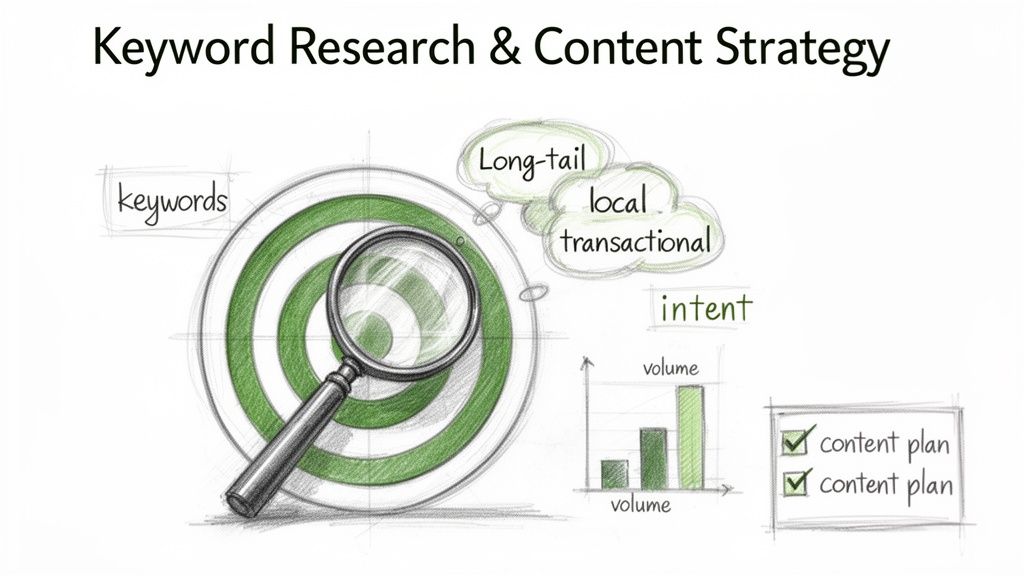
Keyword research is the process of identifying the words and phrases your target audience uses when searching for your products, services, or information. A solid content strategy built on this research ensures that the pages you create are optimised to rank for these valuable searches, forming the very foundation of any successful SEO checklist for new websites. It moves your content from guesswork to a data-driven plan designed to attract qualified traffic.
For a new website, this process isn't just about finding high-volume terms; it's about finding the right terms. It involves understanding user intent (what they want to achieve with their search) and mapping keywords to specific pages. This ensures every piece of content serves a distinct purpose, from attracting new visitors to converting them into customers.
Why It's a Priority
Without keyword research, you risk creating content that nobody is looking for. A Dorset-based accountancy firm could build a beautiful website, but if it doesn’t target keywords like "accountant in Weymouth" or "tax returns Dorset," it will remain invisible to local clients. Similarly, an eCommerce fashion startup targeting broad terms like "t-shirts" will struggle to compete. Focusing on long-tail keywords like "sustainable cotton t-shirts UK" attracts users with higher purchase intent and offers a realistic chance to rank.
Once your keyword research is complete, you will need to develop a comprehensive content marketing strategy that aligns with your target audience's needs and search intent. This strategic plan turns your keyword list into an actionable content calendar.
Your Actionable Checklist:
- [ ] Brainstorm Core Topics: List 5-10 fundamental topics your business covers (e.g., "web design," "SEO services," "branding").
- [ ] Use a Keyword Tool: Enter your core topics into a keyword research tool to find related search terms. Focus on long-tail keywords (3+ words) that have decent search volume but lower competition.
- [ ] Analyse Competitors: Identify your top 3 competitors. Use an SEO tool to see which keywords they rank for that you don't. This can reveal valuable content gaps.
- [ ] Map Keywords to Pages: Create a spreadsheet. Assign one primary keyword and 2-3 secondary keywords to each core page of your website (homepage, service pages, product pages). Plan blog content around informational keywords.
6. Optimize On-Page SEO Elements (Meta Tags, Headings, URL Structure)
On-page SEO involves optimising the individual elements of a webpage to improve its search engine ranking and earn more relevant traffic. Think of it as signalling to Google what your page is about. For any new website, getting these foundational elements right from the start is a critical part of a comprehensive SEO checklist for new websites. This includes your meta titles, meta descriptions, heading hierarchy (H1, H2, etc.), and URL structure.
These elements are some of the first things search engine crawlers analyse to understand your content's relevance and context. A well-optimised page not only helps search engines but also improves the user experience by providing clear, descriptive information in search results and on the page itself, which can significantly boost click-through rates.
Why It's a Priority
Proper on-page optimisation is your opportunity to directly influence how search engines interpret your content. Without it, you are leaving your rankings to chance. For a new eCommerce site selling handmade leather goods, an optimised product page URL like /handmade-leather-wallets-uk is far more effective than a generic /product-id-9876. Similarly, a Dorset-based marketing agency can attract local clients by ensuring its service page has a clear H1 tag like "Expert SEO Services in Weymouth". These details build relevance and authority from day one.
Your Actionable Checklist:
- [ ] Write Unique Meta Titles & Descriptions: For every important page, write a unique meta title (under 60 characters) including your primary keyword. Craft a compelling meta description (under 160 characters) that encourages clicks.
- [ ] Structure URLs Logically: Ensure your URLs are short, descriptive, and use your primary keyword. For example:
yourdomain.co.uk/services/seo-for-new-websites. - [ ] Implement a Strict Heading Hierarchy: Check that each page has only one H1 tag containing the main topic. Use H2s and H3s to structure the rest of the content logically.
- [ ] Optimise Images: Before uploading, rename image files to be descriptive (e.g.,
seo-checklist-new-website.jpg). After uploading, add specific, descriptive alt text to every image.
7. Implement Schema Markup and Structured Data
Think of schema markup as a secret language you speak directly to search engines. It is structured data added to your website’s code that helps Google, Bing, and others understand the context of your content, transforming it from a simple string of text into a meaningful entity. For any seo checklist for new websites, implementing schema is crucial for standing out in crowded search results by earning rich snippets.
This structured data enables search engines to display enhanced information directly in the search results, like star ratings, product prices, or FAQ dropdowns. These rich snippets can significantly improve your click-through rate (CTR) by making your listing more informative and visually appealing than your competitors'.
Why It's a Priority
Without schema, search engines are left to interpret your content on their own. For a new website, you want to remove all guesswork and provide as much clarity as possible. For an eCommerce brand in the UK, Product schema can display prices and review ratings, immediately attracting buyers. A Dorset-based professional services firm can use LocalBusiness and FAQPage schema to dominate local search, displaying their opening hours and answering common client questions directly in the search results.
Your Actionable Checklist:
- [ ] Add
OrganizationSchema: Apply this schema site-wide (often in the header or footer). Include your business name, logo, address, and social media profiles to establish your entity. - [ ] Use
LocalBusinessSchema: If you have a physical location, add this to your contact or location pages. Include your name, address, phone number (NAP), and opening hours. - [ ] Implement Schema for Key Content Types:
- For eCommerce: Use
Productschema on all product pages. - For blog posts: Use
ArticleorBlogPostingschema. - For Q&A sections: Use
FAQPageschema.
- For eCommerce: Use
- [ ] Validate Your Markup: Before and after deploying, copy your page's URL or code into Google’s Rich Results Test tool to ensure it is error-free and eligible for rich snippets.
8. Optimize Page Speed, Core Web Vitals and Mobile Experience
In today's fast-paced digital world, user patience is incredibly thin. Page speed, mobile usability, and Google's Core Web Vitals are no longer just technical metrics; they are direct ranking factors and critical components of user experience. This trio determines how quickly users can see, interact with, and enjoy your content without frustrating visual shifts, making it a pivotal part of any SEO checklist for new websites. A slow or clunky site will send visitors away before they ever see what you offer.
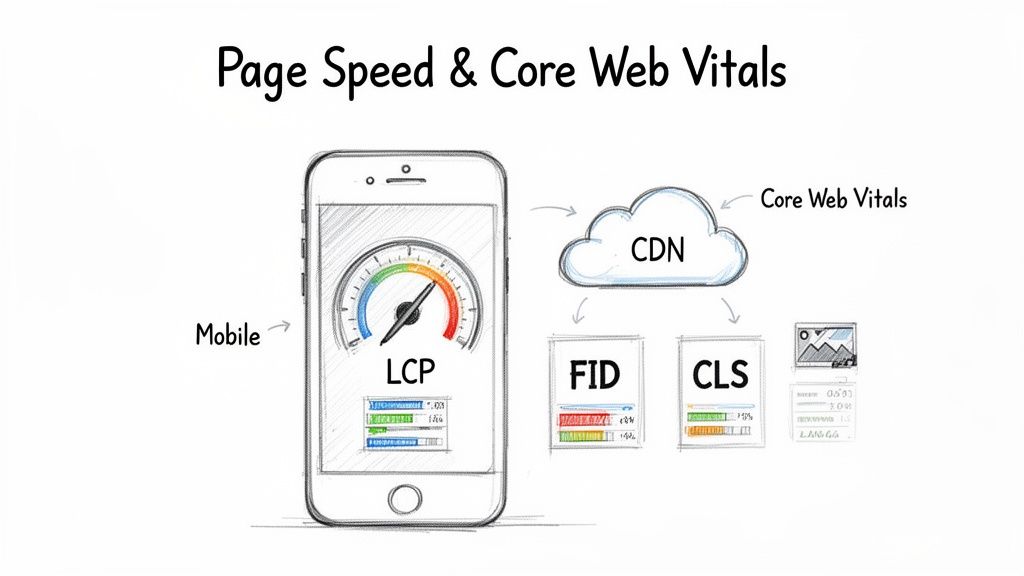
Google’s Core Web Vitals (CWV) are a set of specific metrics that measure a page's loading performance (Largest Contentful Paint – LCP), interactivity (First Input Delay – FID), and visual stability (Cumulative Layout Shift – CLS). Optimising for these not only helps your SEO but directly improves conversion rates by providing a smoother, more professional experience for your visitors. Neglecting these signals can mean your site is seen as needing a makeover by users and search engines alike.
Why It's a Priority
A slow website is a conversion killer. If a Dorset-based eCommerce site takes four seconds to load a product page, most mobile users will have already left. By optimising images and enabling caching to reduce that load time to under 2.5 seconds, they could see a tangible uplift in sales. Similarly, for a UK professional services firm, ensuring that buttons on mobile are large enough to tap easily can mean the difference between gaining a new lead and frustrating a potential client.
Your Actionable Checklist:
- [ ] Enable Caching and Compression: Install a caching plugin (e.g., W3 Total Cache for WordPress) and ensure GZIP compression is enabled on your server to speed up load times.
- [ ] Optimise All Images: Before uploading, compress images using a tool like TinyPNG. Serve them in modern formats like WebP and enable lazy loading for images below the fold.
- [ ] Minify Code and Defer JavaScript: Use a performance plugin or work with a developer to minify CSS and JavaScript files. Defer the loading of non-critical JavaScript so it doesn’t block the initial page render.
- [ ] Use a Content Delivery Network (CDN): Sign up for a CDN service (like Cloudflare's free plan) to distribute your site's assets across a global network, reducing latency for users far from your server.
9. Set Up Proper Site Structure and Internal Linking Strategy
Think of your website's structure as its architectural blueprint. A logical, well-organised site structure and a smart internal linking strategy are crucial for helping search engines understand your content's hierarchy and how different pages relate to one another. Getting this right from the start is a foundational step in any seo checklist for new websites, as it’s much more difficult and disruptive to change later.
A good structure guides both users and search engine crawlers, distributing link equity (or "SEO juice") throughout your site and improving the chances of your pages being indexed correctly. This is often based on the "pillar-and-cluster" model, where main topic pages link out to more specific, related sub-pages, creating a clean, logical flow of information.
Why It's a Priority
A disorganised site is confusing for Google and frustrating for users. Without a clear hierarchy, Google may struggle to identify your most important pages, and users will have a hard time navigating to find what they need. For a new eCommerce site selling clothing in the UK, a logical structure like /mens/shirts/cotton-shirts helps both Google and shoppers understand the product categories. Similarly, a Dorset-based service business could use /services/web-design/ as a main "pillar" page, linking out to more specific "cluster" pages like /services/web-design/wordpress/. This organisation establishes topical authority and improves user experience.
Your Actionable Checklist:
- [ ] Plan a Logical Hierarchy: Map out your site structure, aiming for important pages to be no more than three clicks from the homepage. (e.g., Home > Services > SEO).
- [ ] Implement Pillar and Cluster Pages: Identify your core business topics (pillars) and create comprehensive pages for them. As you create related blog posts or sub-pages (clusters), ensure you link them back to the main pillar page.
- [ ] Add Contextual Internal Links: As you write new content, find opportunities to link to other relevant pages on your site using descriptive anchor text. Aim for 2-5 internal links per blog post.
- [ ] Use Breadcrumb Navigation: Enable breadcrumbs on your site. This shows users their location (e.g., Home > Blog > SEO Checklist) and reinforces your site structure for search engines.
10. Build Quality Backlinks and Establish External Authority
Backlinks, or inbound links from other websites to yours, are a fundamental ranking factor for Google. Think of them as votes of confidence; when a reputable site links to you, it signals to search engines that your content is trustworthy and valuable. For a new website starting with zero authority, building a profile of high-quality backlinks is a critical part of any seo checklist for new websites. The focus must be on quality and relevance over sheer quantity.
Establishing external authority tells Google that your new website is a legitimate player in its niche. Without these external signals, even the most technically perfect and content-rich site can struggle to gain visibility. Earning these links demonstrates credibility and helps search engines discover and index your pages faster, directly impacting your ability to rank for competitive keywords.
Why It's a Priority
A new website is an unknown entity to search engines. Quality backlinks act as third-party endorsements that build your site’s Domain Authority (DA) or Domain Rating (DR). For a new Dorset-based professional services firm, a single backlink from a respected industry association is far more valuable than dozens of links from unrelated blogs. Likewise, a new UK eCommerce brand can significantly boost its credibility by securing links from product review sites, sustainability blogs, or local news features covering their launch.
Your Actionable Checklist:
- [ ] Create a Linkable Asset: Produce one piece of high-value content that others will want to reference, such as an original research report, a comprehensive guide, or a free tool.
- [ ] Pursue Local Citations: If you're a local business, submit your business name, address, and phone number (NAP) consistently to top local directories like Yell and your local Chamber of Commerce.
- [ ] Conduct Competitor Backlink Analysis: Use an SEO tool to see which reputable sites link to your competitors. If a site links to multiple competitors, they may be open to linking to your content as well.
- [ ] Engage in Strategic Outreach: Identify relevant, non-competing blogs or publications in your niche. Reach out with a personalised email offering a guest post or suggesting your linkable asset as a resource for one of their existing articles.
New Website SEO: 10-Point Checklist Comparison
| Item | 🔄 Implementation complexity | ⚡ Resource requirements | 📊 Expected outcomes | 💡 Ideal use cases | ⭐ Key advantages |
|---|---|---|---|---|---|
| Install and Configure Google Search Console | Low–Medium: verification + tooling familiarisation | Low: Google account, time to verify & submit sitemap | Accurate indexing status, crawl/security alerts, search performance data | New sites, eCommerce product indexing, monitoring post-launch | Official Google data; sitemap submission & URL inspection |
| Set Up Google Analytics 4 and Goal Tracking | Medium: event mapping & configuration; learning curve | Medium: GTM or dev help, setup time, possible plugin cost | Cross-device behaviour, conversion tracking, funnels & audiences | Data-driven sites, eCommerce, marketing campaigns | Powerful insights & integrations (Ads, BigQuery); conversion measurement |
| Conduct Technical SEO Audit and Fix Critical Issues | High: requires technical analysis and prioritisation | Medium–High: tools + developer time to fix issues | Resolved crawlability/speed errors, improved indexation and rankings | Pre-launch audits, large eCommerce sites, sites with many pages | Identifies blocking issues; quick wins for rankings and UX |
| Create and Optimize XML Sitemap and Robots.txt | Low: straightforward with CMS/plugins but needs care | Low: plugin/configuration and occasional maintenance | Faster discovery of pages; better crawl budget management | Large sites (100+ pages), multi-location businesses, news/blogs | Ensures crawl efficiency; helps surface less-linked pages |
| Perform Keyword Research and Create Content Strategy | Medium: analysis and mapping to intent | Medium: keyword tools (free→paid) and content production time | Targeted organic traffic, content roadmap, higher conversion intent | New content sites, local businesses, inbound marketing strategies | Directs content to user intent; finds low-competition opportunities |
| Optimize On-Page SEO Elements (Meta Tags, Headings, URLs) | Low–Medium: editorial work and consistency checks | Low: content edits, SEO plugin assistance | Improved CTR, clearer relevance signals, incremental ranking gains | All sites (esp. product & service pages) | Directly controllable; fast, low-cost improvements |
| Implement Schema Markup and Structured Data | Medium: generate JSON‑LD and test thoroughly | Low–Medium: plugins or dev for custom types; testing tools | Potential rich snippets, improved SERP visibility and CTR | eCommerce (products), local businesses, FAQ-rich pages | Enhances SERP appearance; aids featured results & voice search |
| Optimize Page Speed, Core Web Vitals and Mobile Experience | High: technical optimisation across stack | High: developer time, hosting/CDN, image/asset work | Better rankings, lower bounce, higher conversions (esp. mobile) | eCommerce, mobile-first sites, sites with heavy media | Tangible UX gains; direct ranking factor (Core Web Vitals) |
| Set Up Proper Site Structure and Internal Linking Strategy | Medium–High: planning + content architecture work | Medium: taxonomy design, CMS setup, content linking | Improved crawlability, distributed authority, better UX/navigation | New builds, large catalogs, content hubs/pillar models | Scalable foundation; boosts discovery and topical relevance |
| Build Quality Backlinks and Establish External Authority | High: ongoing outreach, content marketing & PR | High: time, relationship-building, content creation costs | Increased domain authority, improved rankings over time | New sites needing authority, competitive niches, local businesses | Fundamental ranking driver; high long-term ROI when done right |
From Checklist to Continuous Growth: Your SEO Journey Starts Now
Completing this comprehensive SEO checklist for new websites is a monumental first step, but it marks the beginning of your digital journey, not the final destination. You have moved beyond simply launching a website; you have meticulously engineered a powerful foundation designed for visibility, performance, and long-term growth. By systematically addressing everything from technical setup in Google Search Console to strategic on-page optimisation and content planning, you've given your new online presence the best possible start.
This isn't just about ticking boxes. It's about understanding that each item, from creating a clean XML sitemap to optimising for Core Web Vitals, contributes to a larger, cohesive strategy. You’ve laid the groundwork to be understood by search engines and, more importantly, to provide a seamless and valuable experience for your human visitors. This foundational work is what separates a static digital brochure from a dynamic, lead-generating asset for your business.
From Foundation to Momentum: Your Actionable Next Steps
Remember, SEO is a dynamic and continuous process. The digital landscape is in constant flux, with algorithm updates, shifting competitor tactics, and evolving user expectations. Your initial setup is your launchpad, but sustained success requires ongoing effort and adaptation. To maintain and build upon the momentum you've established, prioritise these ongoing actions:
- Monitor and Analyse Performance Data: Make a habit of regularly checking your Google Search Console and Google Analytics 4 dashboards. Look for trends in your top-performing pages, identify keywords that are starting to gain traction, and pay close attention to user behaviour metrics. This data is your roadmap for what's working and where to focus your efforts next.
- Refine and Expand Your Content Strategy: Your initial keyword research is just the start. Use performance data to identify "striking distance" keywords (those ranking on page two) and create new, high-quality content or update existing pages to target them more effectively. Consistently publishing valuable blog posts, case studies, or resources will signal your site's authority and relevance to search engines.
- Build Authority Through Consistent Link Building: Earning high-quality backlinks is an ongoing marathon. Continue to seek opportunities for guest posts, collaborate with local Dorset businesses, and create "link-worthy" assets like original research or ultimate guides. Each quality backlink acts as a vote of confidence in your website's credibility.
- Conduct Quarterly Technical Health Checks: Don't let your pristine technical setup degrade over time. Schedule regular check-ups to look for new crawl errors, broken links, or performance bottlenecks. Tools like Google Search Console's Core Web Vitals report will alert you to emerging issues before they impact your rankings.
By embracing this cycle of implementation, monitoring, and refinement, you transform your approach from a one-time project into a sustainable growth engine. This commitment is what will ultimately drive qualified traffic, generate leads, and deliver a tangible return on your investment. The effort you invest in following this SEO checklist for new websites today will pay dividends for years to come, ensuring your brand not only competes but thrives in the competitive UK digital marketplace.
Feeling overwhelmed by the ongoing demands of SEO? The team at DesignStack Ltd specialises in helping Dorset and UK businesses turn their new websites into powerful, high-performing assets. We handle the technical complexities and strategic planning, so you can focus on running your business. Contact DesignStack Ltd today to learn how we can help you implement this checklist and drive continuous growth.
Produced via the Outrank tool



Leave a Reply