


Small Business Website Development: Grow Your UK Business Online
A great website is so much more than a pretty online brochure. It should be your hardest-working employee, actively working to generate leads, sell products, or build your brand authority around the clock. But for it to do its job, you first need to give it a clear job description.
First Things First: Creating Your Website Blueprint
Before you even think about colours or fonts, we need to talk strategy. I’ve seen it time and time again: a project kicks off with a vague "I just need a new website," and it almost always leads to a finished site that doesn't actually do anything for the business.
The most successful projects start with a solid plan. This is where we map out exactly what you want your website to achieve, turning your business goals into a clear, functional blueprint.
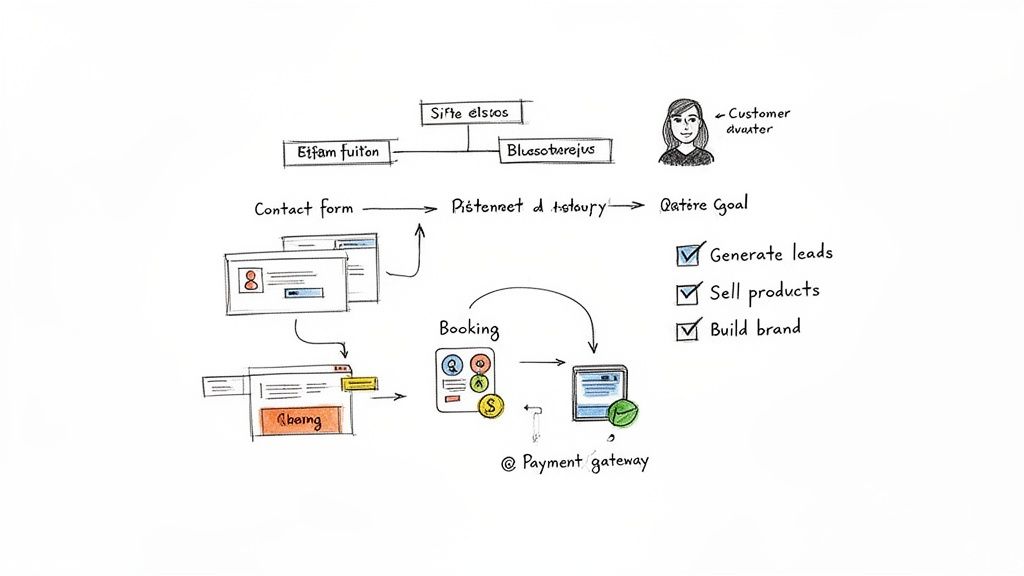
Think of this as the foundation. Without it, everything else is just guesswork. Every single element, from your homepage to your contact form, needs to have a purpose that ties back to this core plan.
What’s Your Number One Goal?
Here’s a crucial piece of advice: don't try to be everything to everyone. A website that pulls in a dozen different directions just ends up confusing visitors. Instead, decide on the single most important action you want someone to take.
For a local Dorset tradesperson, like a plumber in Weymouth or a consultant in Dorchester, the goal is almost always lead generation. Your website's main job is to get that phone ringing or the enquiry form filled out. If you run a boutique shop, it’s all about eCommerce sales and making it incredibly simple for customers to buy from you. For others, it might be about establishing brand authority by sharing expert content and becoming the go-to name in your field.
Your primary objective is the North Star for the entire project. It guides every design choice, content decision, and technical feature we build.
Your Actionable Blueprint Checklist
Getting clear on the specifics right from the start is the best way to avoid confusion and ensure your web designer delivers exactly what you need. Grab a pen and paper and work through this actionable list.
- Define Your Primary Goal: Be specific! Instead of "get more leads," write "I want to get 15 qualified enquiries from local homeowners each month." This clarity is crucial.
- Profile Your Ideal Customer: Who are they, really? A Poole-based family looking for a reliable electrician? A UK-wide firm needing B2B accountancy services? Write down what problems they are trying to solve.
- Analyse Your Competitors: Pick 2-3 local or national competitors. What are their websites doing well? More importantly, what are they doing badly? This is where you can find your competitive edge.
- List Your Must-Have Features: Based on your goal, what is non-negotiable? This could be a simple contact form, an online booking system, a gallery of your work, or a full payment gateway.
- Set Your Success Metrics: How will you measure success? This could be the number of form submissions, online revenue, or newsletter sign-ups. Define what "working" looks like to you.
This simple exercise gives your project immediate focus. In the UK, where SMEs make up 99.9% of all businesses, a strong online presence is no longer optional. In fact, 92% of business owners believe a website is their most effective marketing tool.
Having this blueprint ready is also the key to finding a website designer who truly understands your vision. If you feel ready to dive in and start right now with your business website, this initial planning will set you up for success.
Choosing Your Tech: WordPress vs. Custom Solutions
Deciding on the technology that underpins your website is a huge decision. It’s the digital foundation for your entire business, influencing everything from daily updates and running costs to how easily you can grow in the future. For a small business, getting this right from the start is critical.
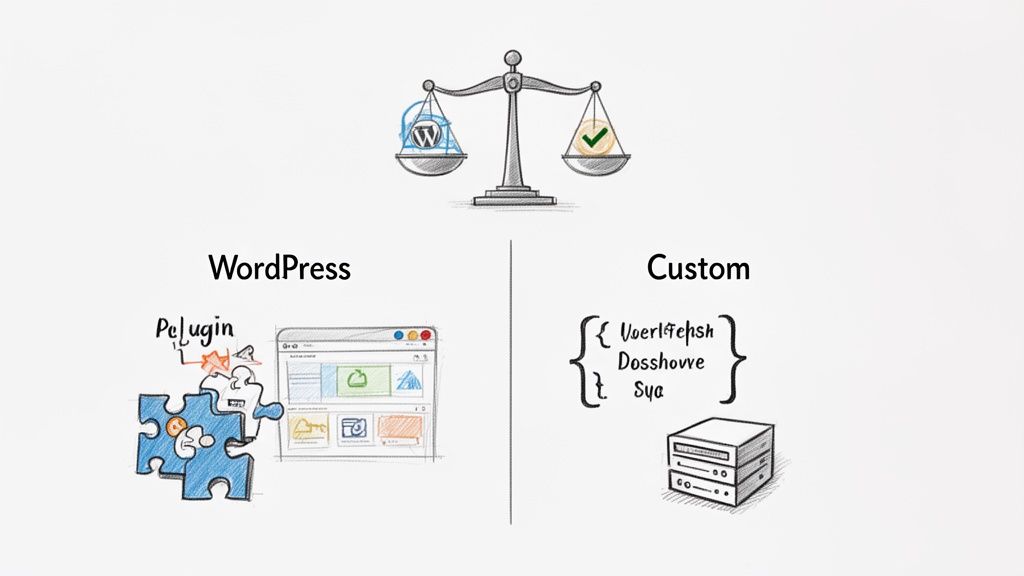
Most of the time, the conversation comes down to two main paths: using a well-known Content Management System (CMS) like WordPress, or commissioning a completely custom-built website. Let's break down what each path really means for a small to medium-sized business here in the UK.
The Case for WordPress
There's a reason WordPress powers over 43% of all websites on the internet. It's an incredibly powerful and flexible open-source platform that has grown far beyond its origins as a simple blogging tool.
Its real magic is the combination of a user-friendly admin area and a massive library of plugins. If you run a local B&B in Dorset and need a booking calendar, there's a plugin for that. If you're an artist wanting to sell prints online, the WooCommerce plugin can transform your site into a proper eCommerce store, often in just a few clicks. This makes WordPress a fantastic fit for most brochure sites, portfolios, and many small online shops.
Of course, this reliance on third-party plugins has a catch. If they aren't chosen carefully or kept up to date, they can slow your site down or even create security holes. This is why it’s so important to work with an experienced developer who knows the WordPress ecosystem inside-out; they'll build your site with reliable, secure components from the get-go.
For most small business owners, WordPress hits the sweet spot. It gives you the power to manage your own content—write a blog post, update your prices—without ever having to touch a line of code. That's a huge win for staying agile.
When to Consider a Custom Solution
A custom, or 'bespoke', website is exactly what it sounds like: built from scratch, just for you. There are no templates and no off-the-shelf plugins. Every single feature is coded to solve a specific business problem. It’s a more significant investment in both time and money, but for some businesses, it's the only way to go.
So, when does a custom build become a necessity?
- You have truly unique business logic. If your service can't be handled by existing software, you'll need a custom build. We’re talking about a logistics company with a proprietary tracking portal for its clients, or a financial services firm with a complex, one-of-a-kind calculator.
- You require deep or complex integrations. While WordPress is great at connecting to popular tools like Mailchimp or Stripe, some businesses need to link to legacy systems, multiple complex APIs, or internal databases. A custom solution ensures these connections are rock-solid.
- High-security is non-negotiable. For businesses that handle highly sensitive client data, operate in regulated industries, or require security protocols far beyond the norm, a bespoke system designed with security as the top priority is often essential.
A custom build gives you ultimate flexibility and a platform that can be scaled precisely to your needs. The trade-off is a higher upfront cost and a much closer long-term relationship with your development partner for maintenance and future updates.
Making the Right Choice for Your Business
To help you decide, we've put together a head-to-head comparison of the key factors you should be thinking about.
Platform Comparison: WordPress vs Custom Development
| Factor | WordPress (with a professional theme/builder) | Custom Solution |
|---|---|---|
| Initial Cost | Lower. Typically ranges from £3,000 – £8,000+ for a professional build. | Higher. Usually starts at £10,000 and can go much higher depending on complexity. |
| Time to Launch | Faster. A matter of weeks or a few months. | Slower. A multi-month project, often 3-6 months or longer. |
| Ease of Use | Very high. You can easily update text, images, and blog posts yourself. | Low. Requires a developer for most changes beyond basic content edits in a custom CMS. |
| Flexibility | High, within the plugin ecosystem. Great for standard business needs. | Ultimate. Built precisely to your specifications, no compromises needed. |
| Maintenance | You are responsible for updates (core, themes, plugins) and security. | Handled by your development partner, often as part of a support contract. |
| Best For | SMEs, brochure sites, blogs, portfolios, standard eCommerce, businesses on a moderate budget. | Businesses with unique functionality, complex integrations, high-security needs, or larger budgets. |
Ultimately, your decision should come from a clear-eyed assessment of your business, not just the technology.
If you’re still unsure, grab a pen and answer these questions. Your answers will point you in the right direction.
- What is my genuine budget? If you're working with less than £5,000, a professionally built WordPress site is going to deliver the most value for your money. Bespoke projects simply start at a higher price point.
- How "hands-on" do I want to be? Do you see yourself wanting to add new team members to the 'About Us' page or publish a blog post every week? If so, WordPress is built for exactly that kind of user independence.
- What are my non-negotiable features? Make a list. Can a Dorset-based restaurant's need for a table reservation system be met with a trusted plugin? Almost certainly. Can a financial advisor's proprietary client risk-assessment tool? Almost certainly not.
- What does growth look like in 2-3 years? Both platforms can grow with you. With WordPress, scaling often means adding new plugins and upgrading your hosting. With a custom build, it means engaging your developer to build new features.
Thinking through these points will help you cut through the noise. For a more detailed look at the different systems available, our article on the power of different website content management systems is a great next step.
Of course. Here is the section rewritten to sound human, natural, and expert-led, while following all your specific instructions.
Designing for User Experience and Turning Visitors into Customers
It’s easy to get caught up in how a website looks, but I’ve seen countless beautiful websites that just don't work. A great-looking site that confuses people is a missed opportunity. Real success comes from making your website intuitive and easy to use, gently guiding visitors to where you want them to go. This is the heart of what we call User Experience (UX) and User Interface (UI) design.
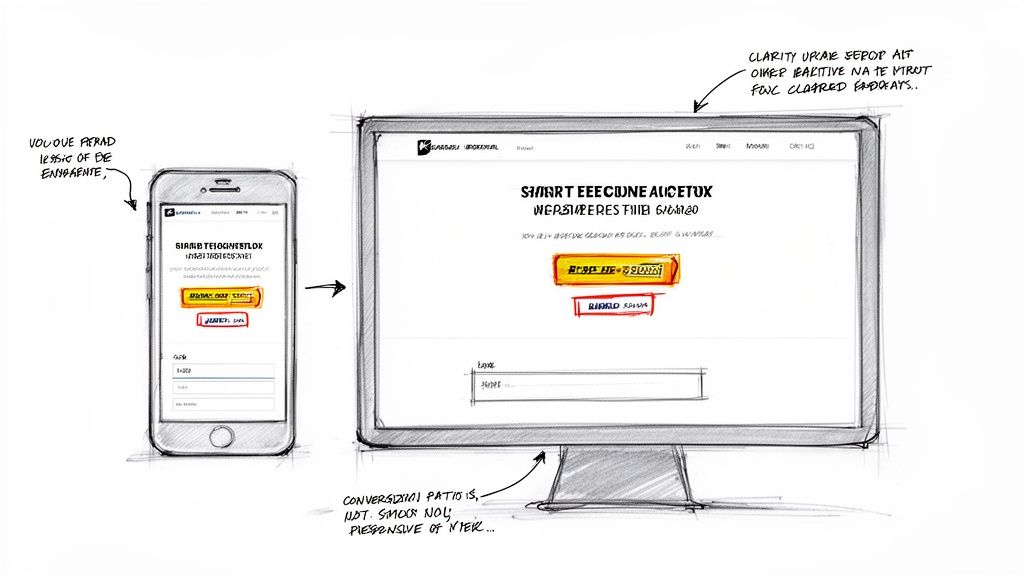
Think of it this way: good design turns your website into your most effective employee. It’s working 24/7—answering questions, building trust, and ultimately, bringing in business.
Make the Next Step Obvious
Every single page on your website needs a clear job to do, and that job is usually to get the visitor to take one specific action. We call this the Call-to-Action (CTA). It’s not just a button; it’s the clear and simple answer to your visitor’s unspoken question: "Right, what do I do now?"
For a local service business, that CTA might be a big, friendly "Request a Free Quote" button. If you're running an online shop, it's the unmissable "Add to Basket" button. The trick is to make it impossible to miss, using both its visual design and direct, action-focused wording.
Your website’s navigation and CTAs should act like a helpful guide, leading a visitor through your digital front door and straight to the solution they need. If people have to guess what to do next, you've already lost them.
Answer Questions Before They're Even Asked
A well-planned website puts itself in the customer's shoes. Imagine someone landing on your site for the very first time. What’s going through their head? What information do they need immediately? Your website’s structure and content should anticipate and answer these questions.
Let’s take a local electrician in Weymouth as an example. A potential customer has just found their site. They'll want to know:
- What exactly do you do? (e.g., rewires, PAT testing, emergency call-outs)
- Can I trust you? Are you qualified? (e.g., NICEIC certification, customer reviews)
- How do I get in touch? (e.g., a phone number right at the top, a simple contact form)
When you structure your pages to answer these questions logically, you remove any doubt or friction. The visitor feels understood and confident, which makes them far more likely to pick up the phone.
A Mobile-First Mindset is Non-Negotiable
Let's be frank: most of your customers will find you on their phones. A responsive, mobile-friendly design isn't a "nice-to-have" feature anymore; it's absolutely essential. If your website is a pain to use on a small screen, people will simply leave.
The numbers don't lie. Website performance and mobile design have a direct impact on your wallet. Over 84% of visitors now expect a great experience on mobile. A staggering 74% of users admit they are unlikely to return to a site if it wasn’t mobile-friendly. And here’s the kicker for your bottom line: mobile-optimised sites see, on average, a 20% increase in conversion rates. A smooth experience really does translate into more business. You can read more about how user experience impacts business over at Maple Tree Studio.
Your Quick UX Design Checklist
To make sure your design is working for you, not against you, run through these points. These are the small details that make a massive difference in how potential customers see your business.
Simple, Clear Navigation: Can a first-time visitor find your services, contact page, and about section in five seconds? Your main menu should be clean and uncluttered. Stick to simple, obvious labels.
Fast Loading Speed: Your site needs to be quick. Ideally, it should load in under three seconds. Slow sites frustrate everyone and are even penalised by search engines. This comes down to things like optimised images and clean code.
Readable Text: Is your text easy to read? Use a decent font size (at least 16px for main text) and make sure there’s strong contrast between your text and background colours.
Obvious Clickable Elements: Do your buttons and links actually look like you can click them? People are used to certain visual cues, like a change in colour or an underline. Don't try to reinvent the wheel here.
No Dead Ends: Every page should lead somewhere. Even after someone fills out your contact form, the "Thank You" page should suggest what to do next—maybe point them to a useful blog post or ask them to follow you on social media. Keep them engaged.
Bringing It All to Life: Development, SEO, and Content
Now for the exciting part. With the design signed off and the platform chosen, we get to the build itself. This is where your vision—the blueprint and the visuals—is coded into a real, working website. It’s a job of two halves: the ‘front-end’ (what your customers see and click on) and the ‘back-end’ (the engine room that makes it all happen).
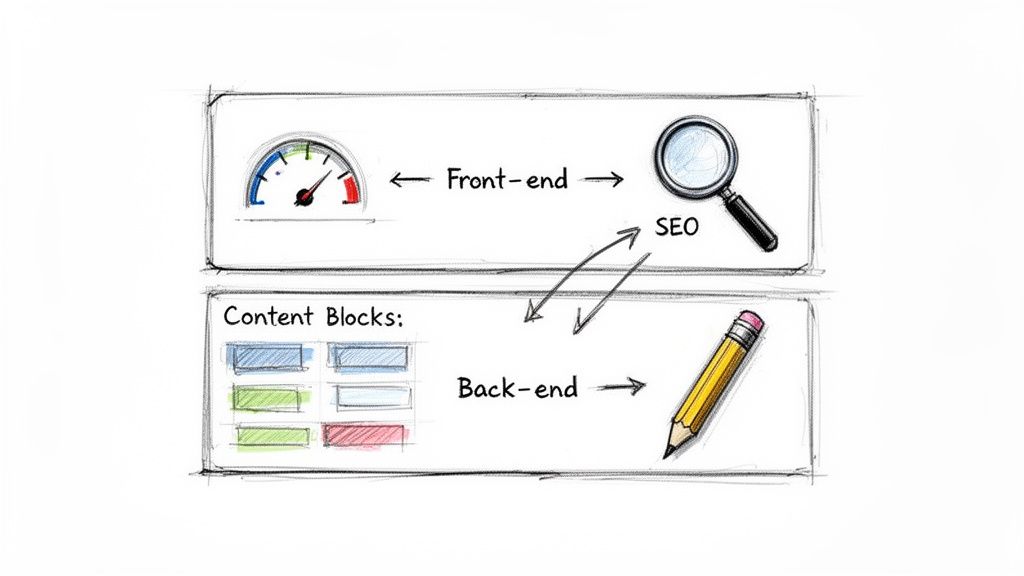
It’s a classic mistake to see this stage as just a technical task. In truth, this is where two of the most vital ingredients for your success are baked in: search engine optimisation (SEO) and your actual content. Getting these right from the very first line of code isn’t just a nice-to-have; it's fundamental to ever being found online.
Building for Speed and Visibility
Think about it like this: a slow, clunky website is the online version of a shop with a broken door and messy aisles. Customers will simply turn around and leave. Google understands this, which is why it rewards websites that are fast, clean, and easy to navigate. We call this technical SEO, and it's woven right into the development process.
It all starts with clean code. This isn’t just about making things work; it’s about creating a site that’s lightweight and loads in a flash. The data doesn't lie—even a one-second delay in page load time can slash conversions by 7%. A good developer writes code that is not just functional but is obsessively optimised for speed.
A logical site structure is just as important. Using HTML tags correctly (like H1, H2, and H3 headings) creates a clear hierarchy on every page. This helps search engines understand what your content is about and which bits are most important, making it far easier for them to rank you for the right searches.
A well-built website doesn't have SEO "added on" at the end. It's built with SEO from the very first line of code. Speed, clean structure, and mobile-friendliness are all development tasks that directly impact your ability to rank on Google.
Your Actionable Content Checklist
A website is just an empty shell without the words and pictures that bring it to life. It’s your content that truly connects with your customers, answers their questions, and persuades them to get in touch. One of the biggest hold-ups in any website project is waiting around for content, so gathering it early is one of the best things you can do.
Use this checklist to get your content organised and ready for your developer. It’ll keep the project moving and ensure your messaging is perfect from day one.
Core Page Content: Get the main text written for your key pages (Home, About, Services, Contact). For every service, spell out what the customer gets, who it's for, and the next step they should take. Keep paragraphs short and focus on the benefits for them, not just listing features.
Professional Photos: Pull together high-quality images of your team, your workplace, and your products or services in action. Ditch the generic stock photos where you can—real images build real trust. Make sure they are all high-resolution.
Trust Signals: This is your proof! Gather customer testimonials, write up short case studies, and get logos for any accreditations or awards. These are powerful signals that show new customers you’re credible and trustworthy.
SEO Essentials: For each main page, have a go at drafting a unique page title and meta description. The page title is the headline that shows up in Google search results, and the meta description is the short summary underneath it.
Writing for People and Search Engines
Writing for your website is a balancing act. You need to provide genuine value to human readers while also including the keywords that help search engines understand what you’re all about.
For a local Dorset business, this means naturally weaving in location-specific phrases. A Weymouth-based roofer, for instance, should be using terms like "roof repairs in Weymouth" or "new roofs across Dorset."
Your page titles need to be direct and contain your main keyword (e.g., "Professional Plumbing Services in Dorchester | Your Business Name"). Your meta descriptions should act like a mini-advert, convincing someone to click your link instead of a competitor's. If you want to really get this right, learning more about professional search engine optimisation services is a great way to understand the long-term strategy behind getting noticed.
Your Essential Pre-Launch Checklist
The end of a website project is always exciting. You’re finally on the home stretch, just moments away from unveiling your new site. But this is also where things can go wrong. A rushed, last-minute launch can easily lead to overlooked errors that undermine months of hard work. It's a recipe for stress and a bad first impression.
To make sure everything goes smoothly, we rely on a tried-and-tested pre-launch checklist for every single project. It’s a methodical way to break down the final quality checks, giving you peace of mind that every link, form, and button is ready for your first visitor.
Choosing Your Hosting Environment
Before we dive into the final checks, we need to talk about where your website will actually live. This is your website hosting, the service that stores your site’s files and makes them available online. Think of it as the plot of land for your new digital home—and not all plots are created equal.
For a small business, choosing the right hosting isn't about finding the cheapest deal. It’s about securing a reliable, secure, and fast foundation. A simple brochure website for a local Dorset tradesperson has very different needs from a busy eCommerce shop processing dozens of orders an hour.
Here are a few things I always tell clients to look for in a hosting partner:
- Performance: You want to see hosts offering SSD storage and talking about their server performance. A fast server is a non-negotiable ingredient for a quick-loading website.
- Security: Your host must provide an SSL certificate (this puts the padlock in the browser bar) as standard. They should also be running regular security scans and have solid firewalls in place.
- Support: When something breaks—and sooner or later, something always does—you need help from people who know what they're doing, and you need it fast.
Here at DesignStack, we offer managed hosting specifically tuned for the WordPress sites we build. This simply means we handle all the technical headaches—updates, security, and performance—so you can get on with running your business.
Think of your hosting as part of your website’s foundation. Skimping here can lead to a slow, insecure site that constantly goes offline, which can do serious damage to your business's reputation and search engine rankings.
Your Final Actionable Pre-Launch Checklist
With your hosting sorted, it’s time for the final sweep. Go through this list with your developer to pave the way for a flawless launch. This isn't just about ticking boxes; it’s about putting yourself in your customer’s shoes and testing their entire journey, from discovery to checkout.
1. A Thorough Technical Review
This is where you go on a bug hunt. Your job is to find anything that’s broken, slow, or just doesn't feel right. Be meticulous.
- Click every single link. Check your main navigation, your footer links, and any links buried in your page content. If it can be clicked, click it.
- Submit every form. Test your contact forms, quote requests, and newsletter sign-ups. Did you get the email notification? Does the customer see the right 'thank you' message?
- Check across browsers. Open the site on the latest versions of Chrome, Firefox, and Safari. Does it look and work the same everywhere?
2. A Complete Content and Proofreading Audit
Typos and out-of-date information kill credibility in an instant. Don't let small mistakes undermine your professional image.
- Proofread everything. I mean everything. Read all your headlines, paragraphs, and button text out loud. It’s a great trick for catching awkward phrasing and grammatical slip-ups.
- Verify your details. Double-check your phone number, email address, and your business address. Is the pin on your map in the right place?
- Check your images. Are they all loading properly? Are they crisp and clear? Crucially, are they optimised so they don't slow the page down? Every image needs descriptive 'alt text' for accessibility and SEO.
3. Rigorous Mobile and Tablet Testing
This is so important it needs its own section. Don’t just shrink your browser window and call it a day. Get your hands on an actual phone and tablet.
- Navigate the whole site. Use your phone to go through the menu and visit your key pages. Can you read the text easily? Are the buttons big enough for your thumb to tap?
- Test the main goal. If you run an eCommerce site, try to buy something from start to finish on your phone. If you're a service business, fill out and submit your main enquiry form. Does it work flawlessly?
4. Final SEO and Analytics Finalisation
This final step ensures you’re ready to measure success from the second you go live.
- Get your analytics running. Make sure Google Analytics or another tracking tool is installed and collecting data.
- Submit your sitemap. Your developer should submit your new XML sitemap to Google Search Console. This is like giving Google a map to your new site, helping it find and index all your pages.
- Set up 301 redirects. This is absolutely critical if you are replacing an old website. Every single URL from your old site must be permanently redirected to its new equivalent. This passes on your hard-earned SEO value and stops visitors from hitting dead '404 Not Found' pages.
Your Website Questions, Answered
Starting a website project for your business can feel like a big step, and it's completely normal to have a lot of questions. We've put together some straightforward answers to the queries we hear most often from fellow business owners here in Dorset and across the UK.
How Much Should a Small Business Website Cost in the UK?
This is always the big question, and the honest answer is: it really depends on what you need. A website's cost is a direct reflection of the time and skill needed to build it.
For a professional, effective brochure-style website using WordPress, you could be looking at a starting price of around £1,500. This is a fantastic option for a local tradesperson, a consultant, or any business that needs a credible online hub to showcase their services and generate enquiries.
If you're looking to sell products online, things get more involved. A bespoke eCommerce website with unique features, integrated payment systems, and customer account areas will naturally require a larger investment, typically ranging from £5,000 to £20,000+. The final figure hinges on how much custom work is required.
Our best advice? Always ask for a detailed, itemised quote. It should clearly spell out what's included—and just as importantly, what isn't—so there are no surprises later.
How Long Will It Take to Build My Website?
For a professional small business site, a realistic timeframe is anywhere from 6 to 12 weeks. While that might sound like a while, that period is packed with important, distinct stages that all need proper attention to get the best result.
Here's a rough idea of how that time breaks down:
- Discovery & Strategy (1-2 weeks): This is the foundation. We'll work together to nail down your goals, understand your audience, and map out the site's features.
- Design & User Experience (2-4 weeks): We get creative, crafting the look and feel of your site and refining the user journey based on your feedback.
- Development & Content (3-6 weeks): The longest phase. This is where we bring the designs to life with code and populate the site with your text and images.
- Testing & Launch (1 week): We run final checks, squash any bugs, and handle the go-live process.
The single biggest factor that can speed up or slow down a project is feedback and content from you, the client. Having your text, photos, and feedback ready to go makes a world of difference.
Do I Need to Be a Coder to Update My Own Website?
Absolutely not. Long gone are the days when you needed to call a developer for a simple text change.
Modern websites are built on a Content Management System (CMS) like WordPress. This gives you a secure, user-friendly dashboard that feels more like Microsoft Word than a complicated piece of software. You'll be able to log in and easily handle day-to-day updates yourself—things like changing page text, publishing a new blog post, adding photos to a gallery, or updating prices on your products. We always include training to make sure you feel confident managing your new site from day one.
What Exactly Is Website Hosting?
Think of it like this: your domain name (e.g., yourbusiness.co.uk) is your street address, and your website is the house itself. Website hosting is the plot of land your house sits on.
It’s a service where you rent space on a high-performance computer (a server) that stores all your website's files. This server makes your site available 24/7 to anyone in the world with an internet connection. Without hosting, your website simply wouldn't exist online.
Choosing a good, reliable host is crucial for your site's speed, security, and uptime. Trying to save a few quid on cheap hosting is often a false economy—it can lead to a slow, unreliable site that frustrates visitors and hurts your rankings on Google.
Ready to get a professional, results-focused website without the technical headaches? At DesignStack, we build websites for UK small businesses that work. We'll handle the design, development, and hosting, leaving you free to run your business. Get in touch with our Weymouth-based team today for a friendly, no-obligation chat.



Leave a Reply